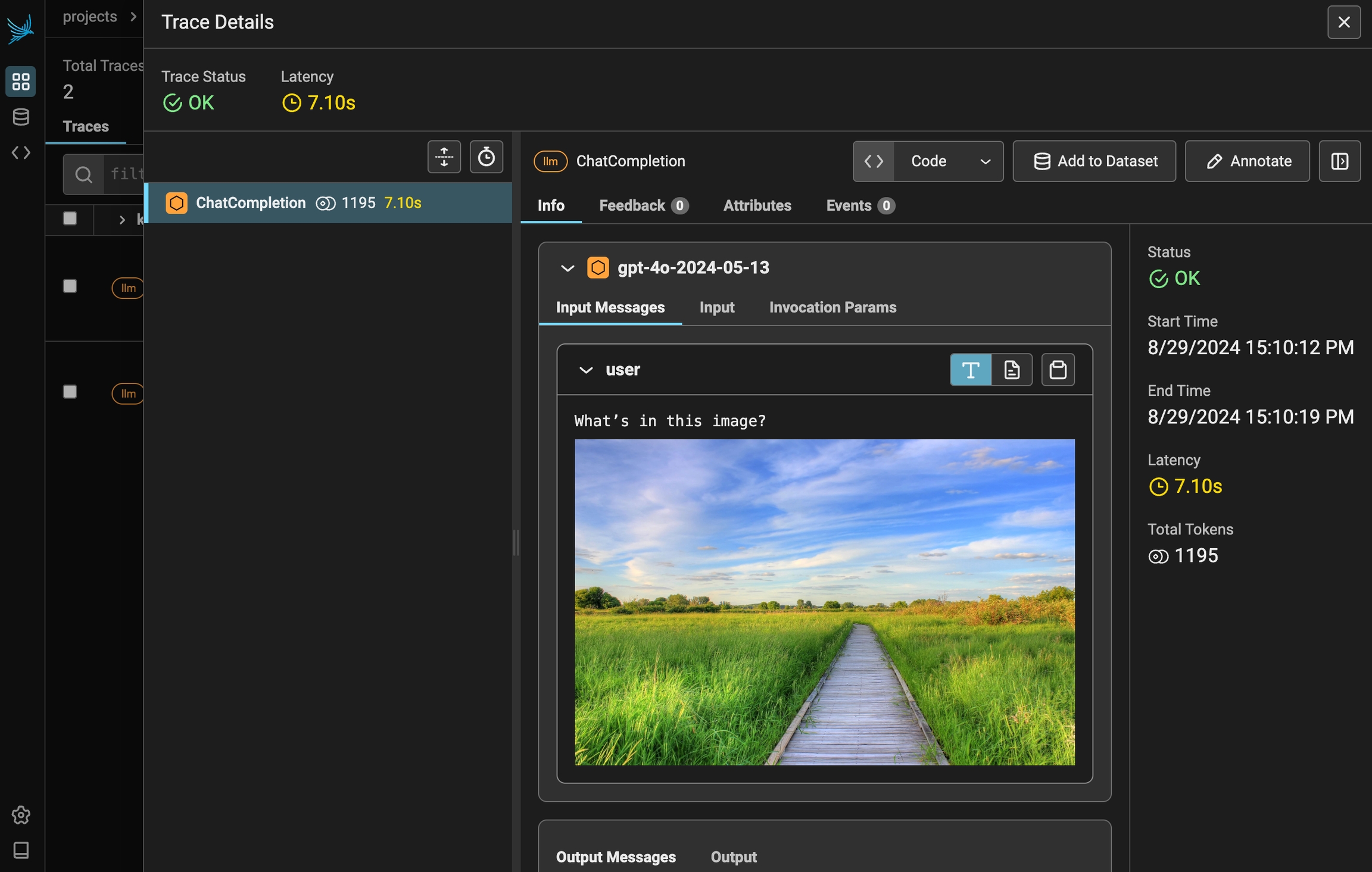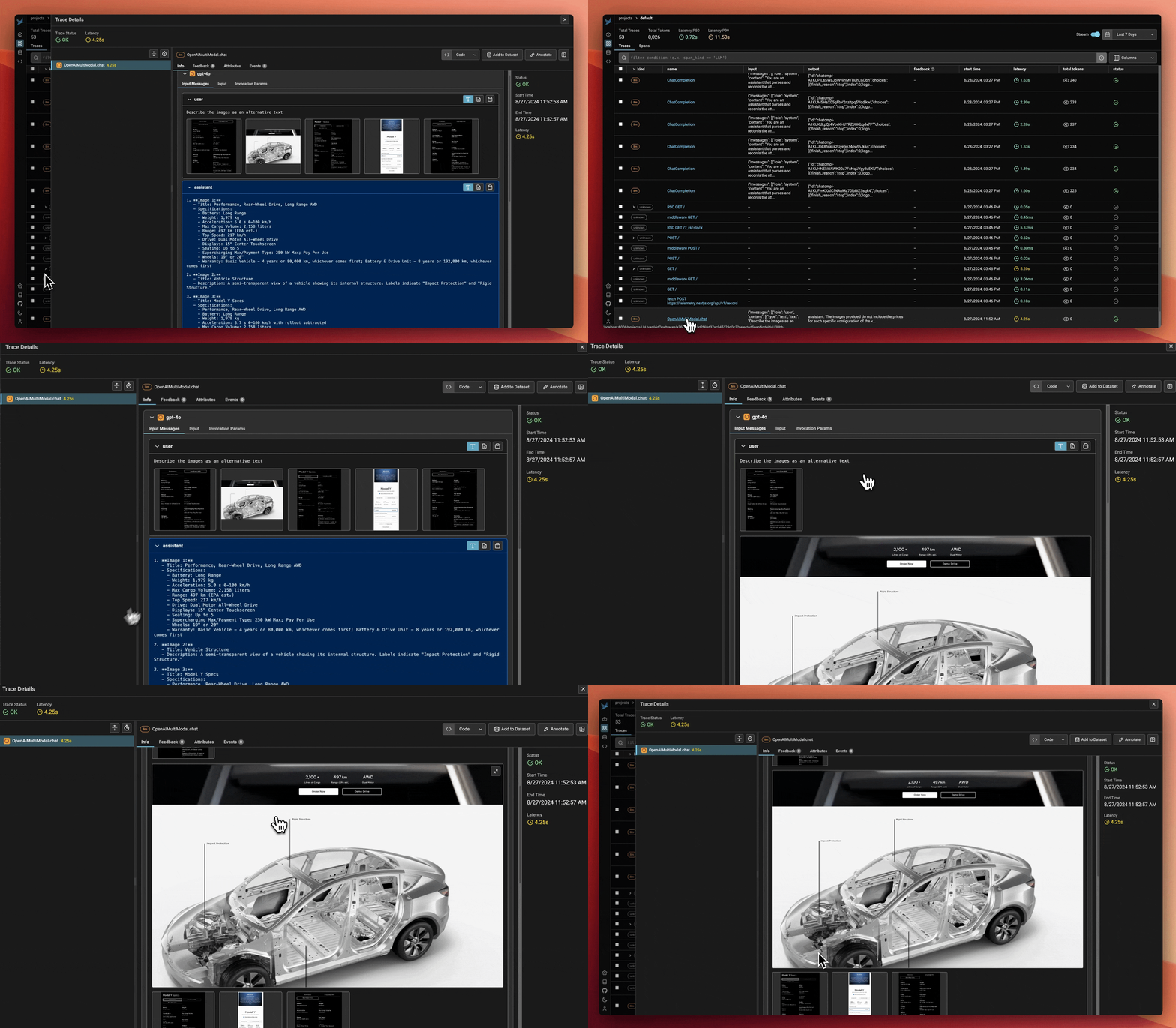
To view images in Phoenix
- Connect to a Phoenix instance
- Instrument your application
- Include either a base64 UTF-8 encoded image or an image url in the call made to your LLM
Example
pip install -q "arize-phoenix>=4.29.0" openinference-instrumentation-openai openai
# Check if PHOENIX_API_KEY is present in the environment variables.
# If it is, we'll connect to that remote instance. If it's not, we'll start a local one.
# See /docs/phoenix/environments for more information.

# Launch Phoenix
import os
if "PHOENIX_API_KEY" in os.environ:
    os.environ["PHOENIX_CLIENT_HEADERS"] = f"api_key={os.environ['PHOENIX_API_KEY']}"
    os.environ["PHOENIX_COLLECTOR_ENDPOINT"] = "https://your-phoenix.example.com"

else:
    import phoenix as px

    px.launch_app().view()

# Connect to Phoenix
from phoenix.otel import register
tracer_provider = register()

# Instrument OpenAI calls in your application
from openinference.instrumentation.openai import OpenAIInstrumentor
OpenAIInstrumentor().instrument(tracer_provider=tracer_provider, skip_dep_check=True)

# Make a call to OpenAI with an image provided
from openai import OpenAI

client = OpenAI()

response = client.chat.completions.create(
  model="gpt-4o",
  messages=[
    {
      "role": "user",
      "content": [
        {"type": "text", "text": "What’s in this image?"},
        {
          "type": "image_url",
          "image_url": {
            "url": "https://upload.wikimedia.org/wikipedia/commons/thumb/d/dd/Gfp-wisconsin-madison-the-nature-boardwalk.jpg/2560px-Gfp-wisconsin-madison-the-nature-boardwalk.jpg",
          },
        },
      ],
    }
  ],
  max_tokens=300,
)