

Two Ways to Evaluate
Client-Side Evals (SDK)
Python and TypeScript SDKs for running evaluations against Phoenix traces, datasets, or any data source. Full control over evaluation logic, judge models, and pipelines.
Server-Side Evals (UI)
Configure evaluators in the Phoenix UI and attach them to your datasets. Phoenix scores experiment results automatically — no code required.
Features
- Model Agnostic via adapters (for OpenAI, LiteLLM, LangChain, AI SDK, and more) — so you can easily switch judge models, or stick to your preferred provider.
- Powerful input mapping system for working with complex data structures — easily map nested data and complex inputs to evaluator requirements.
- Pre-built metrics for common evaluation tasks and use cases like RAG and tool-calling agents.
- Evaluators are natively instrumented via OpenTelemetry tracing for observability and dataset curation.
- Blazing fast performance — achieve up to 20x speedup with built-in concurrency and batching.
- Built-in Explanations — all Phoenix LLM evaluations return explanations by default for better results and richer signals.
Structured Output via Tool Calling
LLM evaluators use function calling (tool use) to extract structured judgments rather than parsing freeform text. Phoenix generates a tool from the evaluator’s output config — for example:Executors

- Rate limit handling: automatically retries when LLM providers throttle requests
- Error management: distinguishes between temporary failures and permanent errors so retries don’t waste API budget
- Dynamic concurrency: adjusts parallelism based on provider performance to maximize throughput without triggering rate limits
Evaluator Tracing

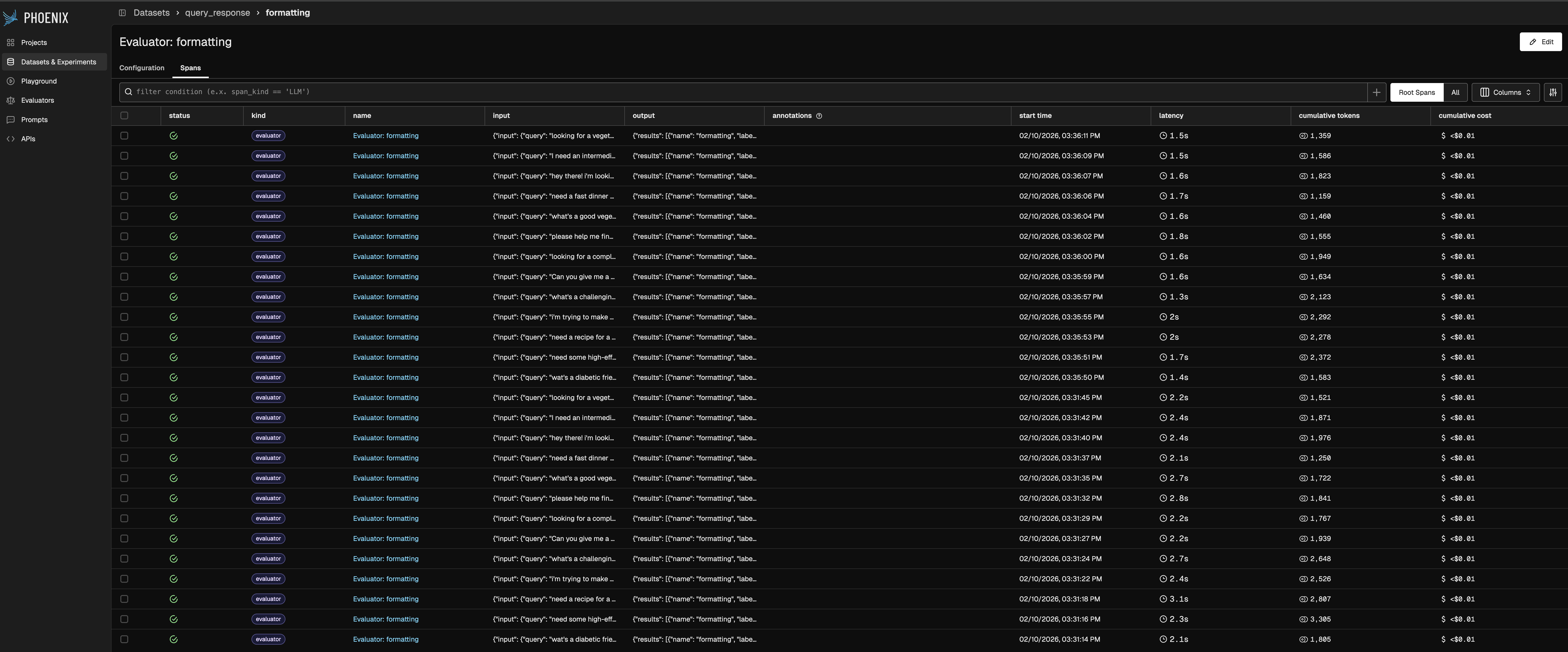
Evaluator traces list view
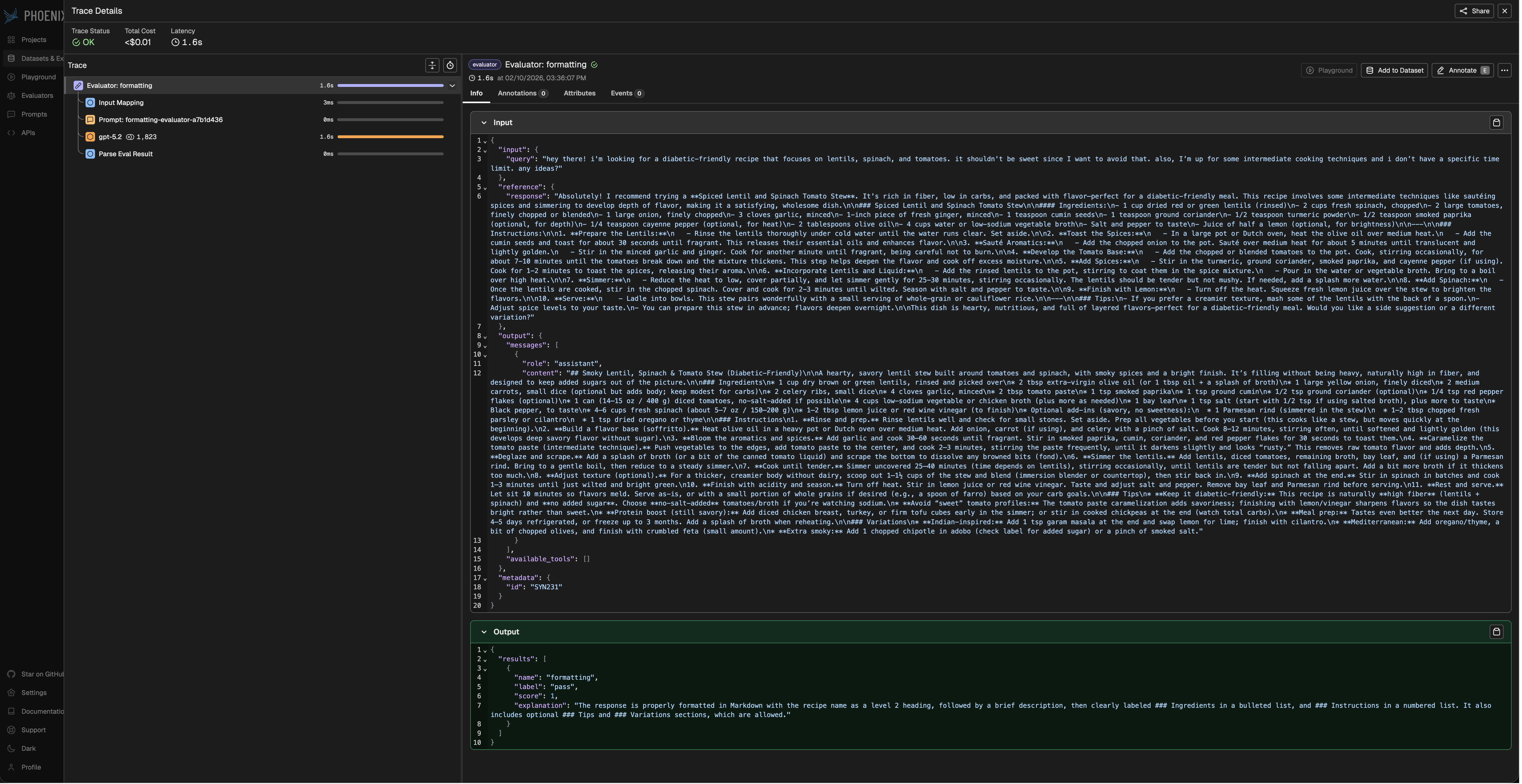
Evaluator trace detail view
For continuous monitoring of application performance — evals on production traffic with alerting and threshold-based triggers — see Arize AX Online Evals.