


OpenAI Python Tracing Tutorial (Google Colab)
OpenAI Python Tracing Tutorials on GitHub
Prerequisites
- Python 3.9+, Node.js 18+, or Go 1.25+
- An Arize AX account (sign up)
- An
OPENAI_API_KEYfrom the OpenAI Platform, or Azure OpenAI credentials
Launch Arize AX
- Sign in to your Arize AX account.
- From Space Settings, copy your Space ID and API Key. You will set them as
ARIZE_SPACE_IDandARIZE_API_KEYbelow.
Install
Configure credentials
- OpenAI
- Azure OpenAI
Setup tracing
Go SDK Only
/v1/chat/completions is instrumented today; embeddings, responses, and image endpoints fall through unwrapped. Streaming responses pass through unchanged, but output.value and token counts are not populated for streaming spans yet.Run OpenAI
Expected output
Verify in Arize AX
- Open your Arize AX space and select project
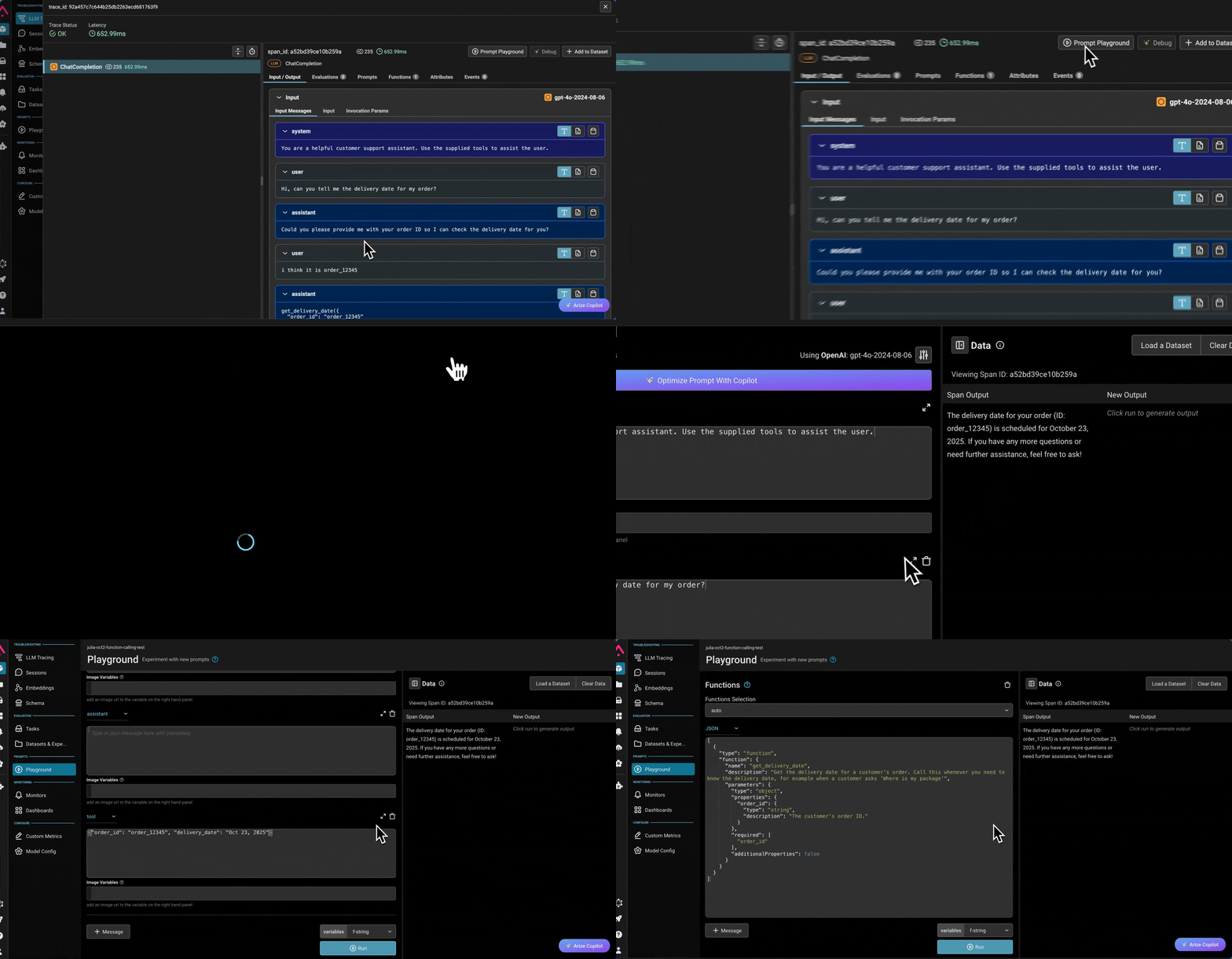
openai-tracing-example. - You should see a new trace within ~30 seconds containing an LLM span —
ChatCompletionfor the Python SDK,OpenAI Chat Completionsfor the Node.js SDK, oropenai.chat.completions.createfor the Go SDK — with the prompt, response, and token usage attached. - If no traces appear, see Troubleshooting.
Check from the skill, CLI, or SDK
Confirm spans are actually reaching your Arize AX project. Use whichever fits your workflow — the skill and CLI work for any framework; the SDK check is shown for each language.- Arize skill (agent)
- AX CLI
- SDK
Install the Arize Skills plugin and let your coding agent check for you:Then prompt your agent:
Use the arize-trace skill to export and analyze recent traces from my project. Confirm spans are arriving, and summarize any errors or latency issues.
Trace tool usage
The instrumentor traces eachchat.completions.create call automatically, including the tool calls the model requests. It does not trace your application executing those tools, or the loop that feeds results back to the model. To capture the full agent trace, wrap the loop in a manual chain span and each tool execution in a manual tool span with the OpenTelemetry API — the auto LLM spans nest under your chain span automatically. See Combine auto and manual instrumentation for the pattern.
Expected output
weather-agent (chain span) → two LLM spans → one get_weather tool span.
Go SDK The auto middleware still emits an LLM span for each
chat.completions.create call, but it does not populate tool_calls as attributes on that span. The chain and tool spans are created manually with the OpenTelemetry API — threading the chain span’s ctx into each request is what nests the auto LLM spans underneath it.Troubleshooting
- No traces in Arize AX. Confirm
ARIZE_SPACE_IDandARIZE_API_KEYare set in the same shell that runs the example. Enable OpenTelemetry debug logs withexport OTEL_LOG_LEVEL=debugand re-run. - OpenAI spans missing but other spans present (Python).
OpenAIInstrumentor().instrument(...)must run before anyimport openaiin the application. Make sureinstrumentation.pyis the first import in your entry point. - OpenAI spans missing but other spans present (TypeScript).
instrumentation.manuallyInstrument(OpenAI)must run before any code creates anOpenAIclient. Make sureimport { provider } from "./instrumentation"(or a side-effect-onlyimport "./instrumentation") is the first import in your entry point. 401from OpenAI. VerifyOPENAI_API_KEYis set and has access to the model in the example. Swapgpt-5.5for a model your key can call.- Azure OpenAI returns
Resource not found. ConfirmAZURE_OPENAI_ENDPOINTpoints to your deployment,OPENAI_API_VERSIONmatches a version your deployment supports, and the example uses the Azure client constructor (openai.AzureOpenAI()/new AzureOpenAI()) rather than the standard OpenAI client. - TypeScript process exits before spans flush. With
SimpleSpanProcessor, spans are sent immediately, but make sure toawait provider.forceFlush()(or callprovider.shutdown()) before the process exits to avoid losing trailing spans. - Go process exits before spans flush.
arize-otel-gouses a batched span processor by default. Thedefer tp.Shutdown(...)block inmain.gois what flushes the batch — without it, short-lived programs lose their last spans. PassSimpleProcessor: truetoarizeotel.Registerif you want synchronous export instead. - Go example wraps the wrong endpoint. The Go middleware only instruments
/v1/chat/completions. Embeddings, responses, completions, and image endpoints pass through to the next middleware unchanged — no span is emitted for them in v0.