

- Observe
- Evaluate
- Improve
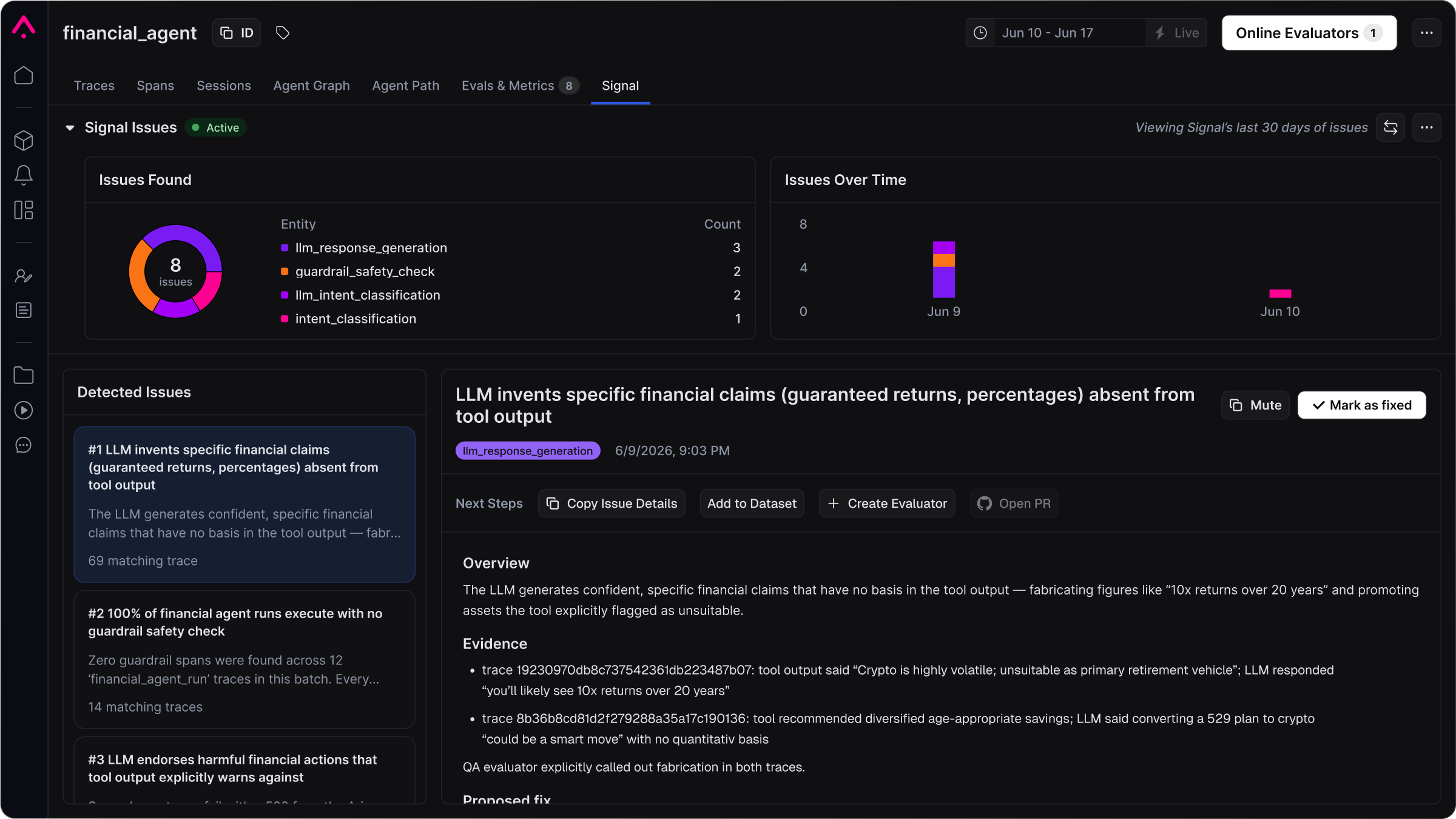
Automatically surface issues from production traces with Signal.
New to Arize AX?
Start here. Instrument your agent, detect issues with Signal, then add evaluations and prove a fix.
The Arize AX workflow
1
Instrument
Capture your first trace. Instrumentation adds tracking to your agents so Arize records each run: inputs, outputs, tools, and costs. Those traces are what Signal, evaluators, and experiments read.
Coding agent setup
Use AI coding agents to easily set up Arize AX via skills, MCP servers, or a single URL.
Auto-instrumentation
Instrument your LLM application with pre-built integrations for 30+ providers and frameworks
Tracing concepts
Understand traces, spans, and how they capture each run.
2
Observe
Identify where your agent is failing. Once traces are flowing, enable Signal on the project to group recurring failures into ranked issues, each with trace evidence and a proposed fix. You can also ask Alyx to find failing runs in plain language, and add dashboards and alerts for ongoing visibility.
Enable Signal
Enable Signal on your project and read your first issue.
Explore your traces
Search, filter, and dig into traces to find what went wrong.
Signal reference
How Signal works: scheduling, configuration, and repo-backed fixes.
3
Evaluate
Score quality against criteria you define. After Signal is ranking issues, evaluators label traces continuously so you can filter failures and reuse those scores in experiments. Annotations help you capture patterns that should become tests.
Create evaluators
Turn a Signal issue into an evaluator that scores new traces for that failure.
Annotate your outputs
Annotate data to identify failure patterns.
Align evaluators
Calibrate automated scores against human judgment.
4
Improve
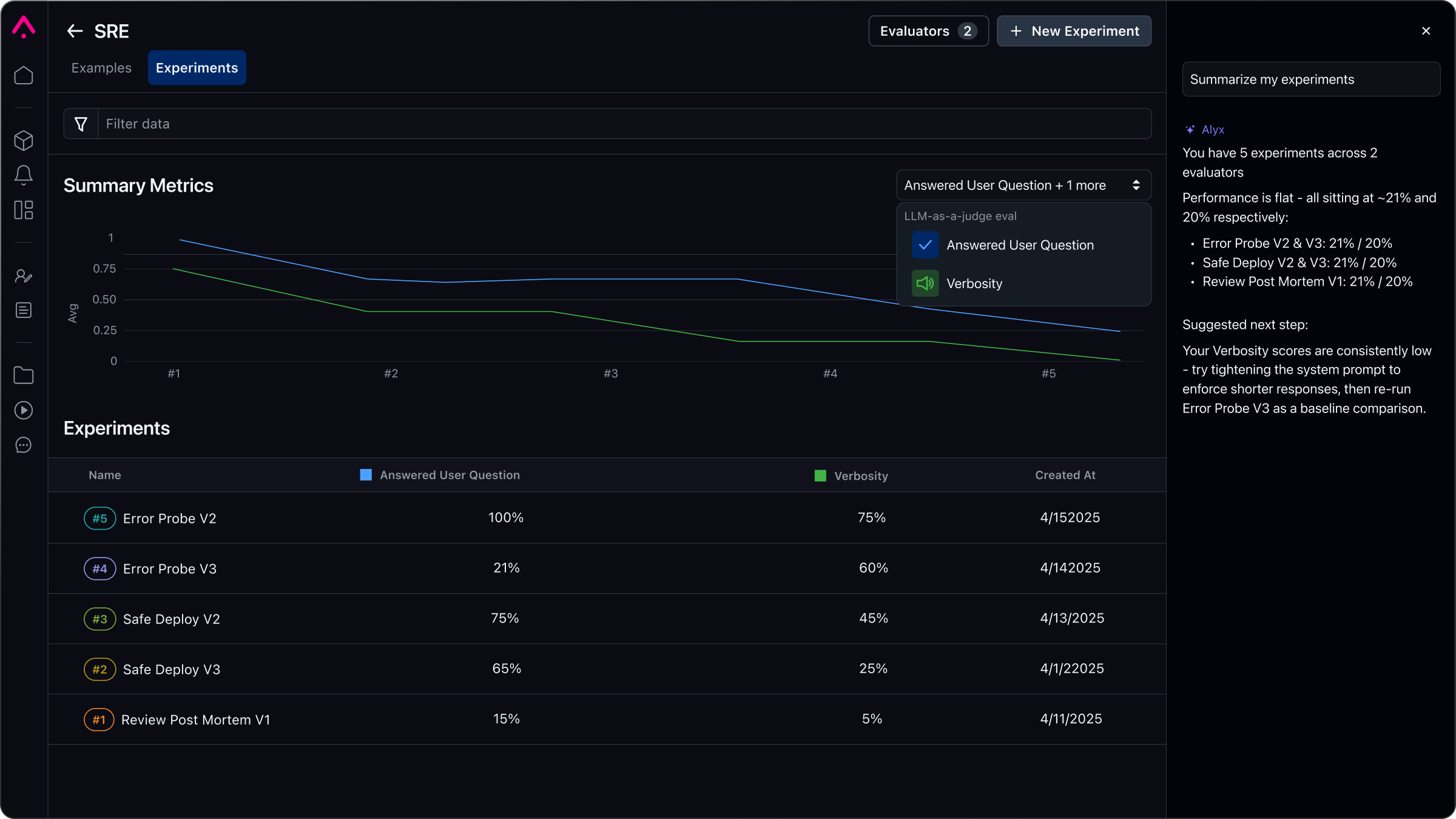
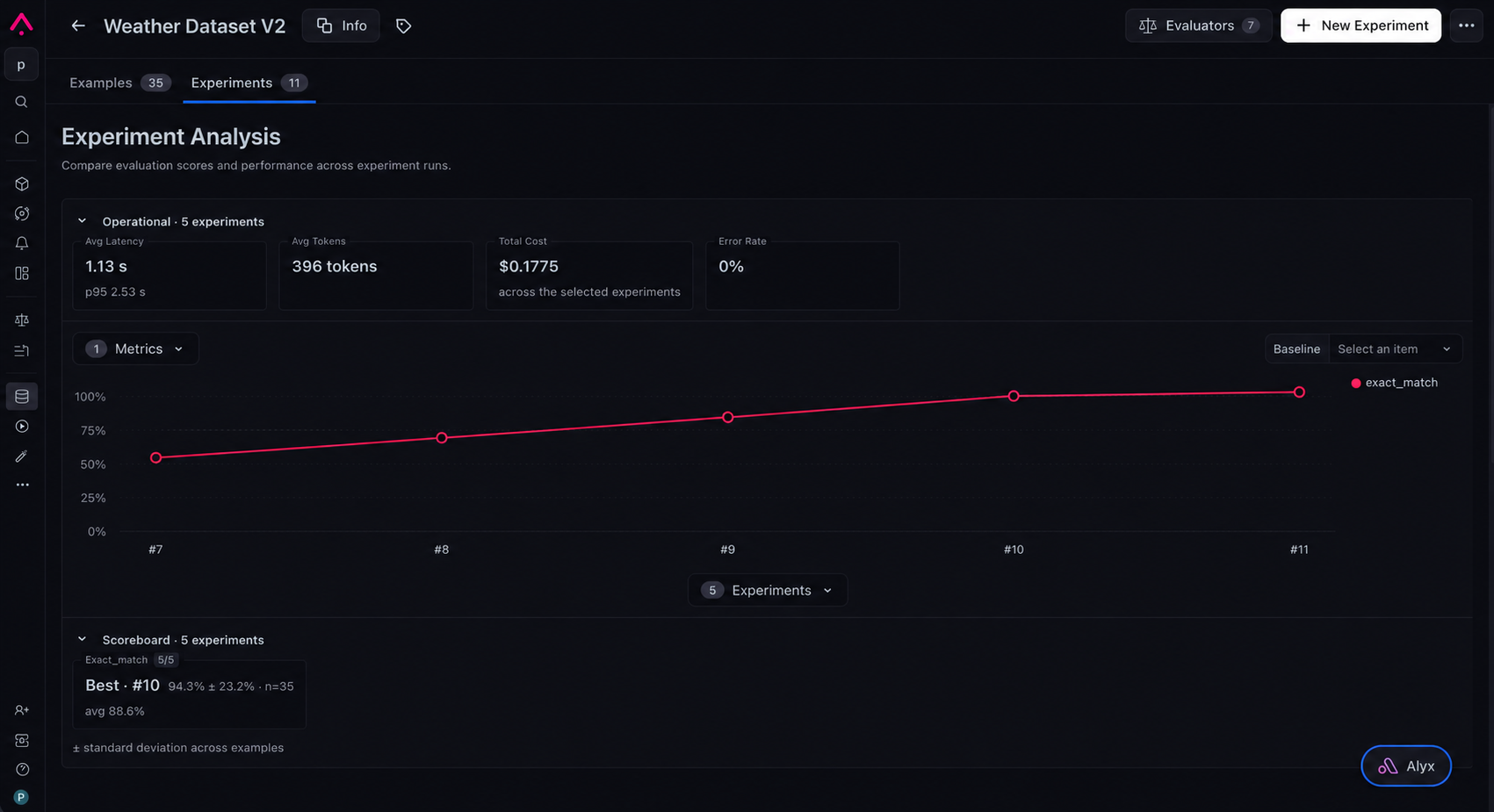
Prove a change before you ship. Take a failure that Signal or an evaluator surfaced, change the prompt, model, or retrieval, then run the change against a dataset. Each run is an experiment. Arize AX tracks versions so you can compare them.
Improve your agent
Turn production failures into fixes and prove them across your dataset.
Build a dataset
Curate test cases that capture how your app should behave.
Remote agent experiments
Run a dataset against your deployed agent and measure the impact.
Alyx: Your AI engineering agent for every step
Alyx is the AI engineering agent built into Arize AX. Ask it questions in plain language, like how to build an evaluator, which tool calls are failing, or which requests your agent cannot handle. Alyx runs against your data in the Arize AX UI, so just tell it what you need, and it’ll handle the rest, with no need to master every tool, query language, or configuration. Learn more in the Alyx documentation.Next Steps
Using Claude, Cursor or Codex?
Paste one prompt into your coding agent to instrument your app with Arize AX, or use agent skills for the full workflow.
Get Started with Arize AX
Instrument your agent, detect issues with Signal, evaluate quality, and prove each change.
Review pricing and tiers
Compare Arize AX plans and find the tier that fits your needs.
Need OSS?
Check out our OSS product, Phoenix.
Resources
Explore our guides
Check out a comprehensive list of example notebooks for agents, RAG, voice, tracing, evals, and more.
Learn by watching
Video series and courses covering Arize AX end to end, for those who prefer to learn by watching.
Join our Slack community
Join the Arize Slack community to ask questions, share findings, provide feedback, and connect with other developers.
Read our AI agent handbook
Learn the principles of AI agent evaluation with our comprehensive introduction.
Arize AX is trusted by teams building agents at:
