

Your evals are only as good as your criteria
Automated evals are only as good as what they measure. Before writing criteria, review real interactions and understand how a human would judge them - then build evals that reflect that standard.
Start from human labels
Use Human review to define annotation configs, review traces or dataset rows, and build a ground truth set that reflects your rubric. These labels become the ground truth reference you compare eval scores against.Measure agreement
On a fixed sample of examples (typically 50 to a few hundred, covering edge cases), run your evaluator and compare its labels to your human annotations. Check accuracy, systematic bias, and per-label precision and recall. Follow the workflow below to run this loop and iterate until you hit a target threshold.Workflow
- By Arize Skills
- By UI
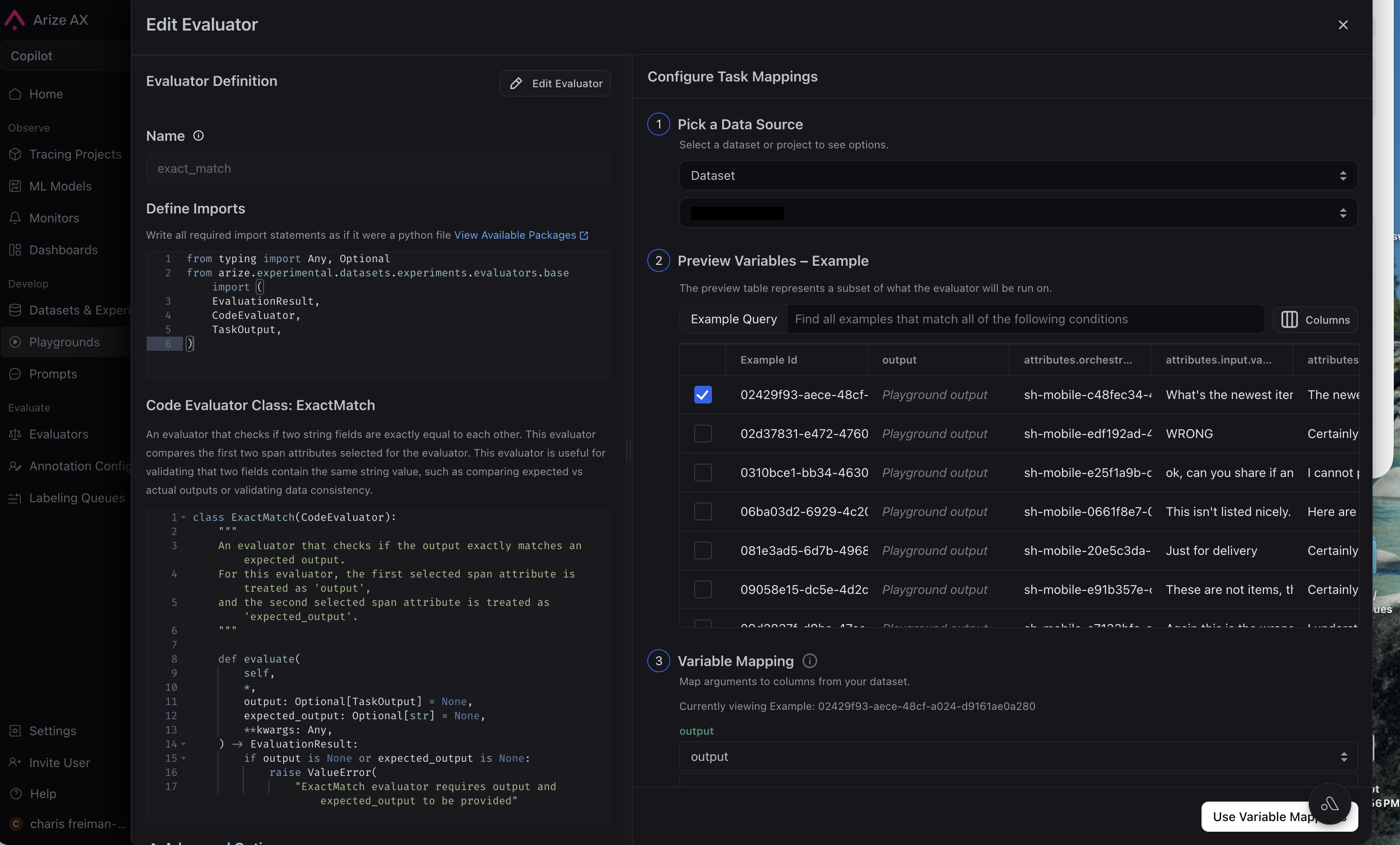
Use the Arize skills plugin with the arize-align-evaluator skill in your coding agent. It walks you through aligning LLM-as-a-judge evaluators to human ground truth by composing ax CLI steps into a loop: run the evaluator, compare its labels to human judgments, measure agreement (accuracy, confusion matrix, per-label precision and recall), diagnose systematic bias, revise the evaluator template, and repeat until you hit a target threshold.Get started with a prompt like:
- “Use the arize-align-evaluator skill to align my correctness evaluator against human annotations on my customer-support project.”



Common issues
- High human disagreement: if annotators disagree with each other, evals cannot align to a single standard until the rubric is clarified
- Small calibration sets: a handful of rows can miss long-tail failures. Aim for at least 50 to 100 labeled examples before trusting metrics or changing production monitors
- Criteria mismatch: your evals may be scoring a different dimension than your annotations (e.g. fluency vs factual accuracy)