

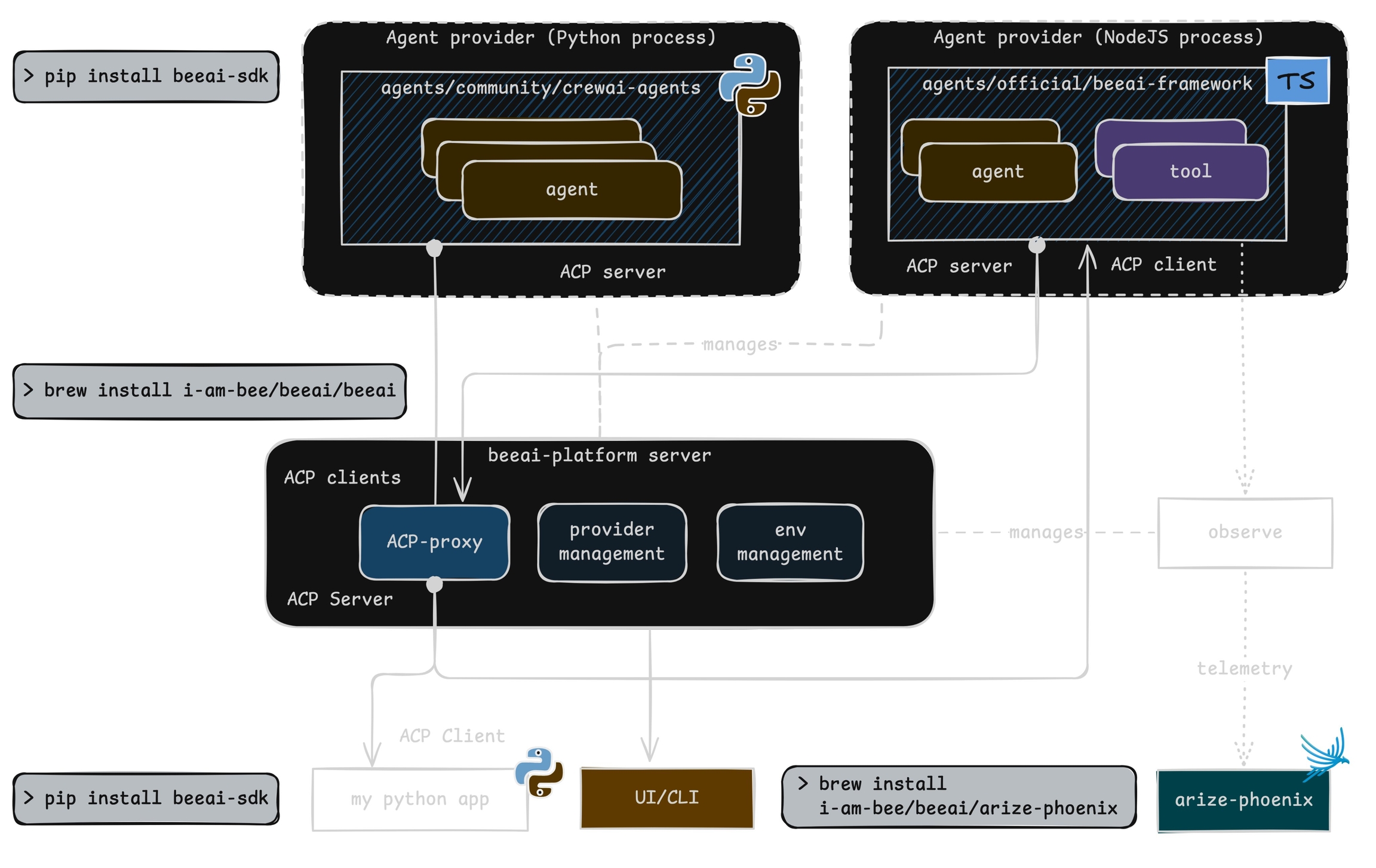
BeeAI has native integration with Arize Phoenix
Install
Setup
To instrument your application, import and enable BeeAIInstrumentation. Create theinstrumentation.js file:
Run BeeAI
Sample agent built using BeeAI with automatic tracing:Observe
Phoenix provides visibility into your BeeAI agent operations by automatically tracing all interactions.
Troubleshooting
Add the following at the top of yourinstrumentation.js to see OpenTelemetry diagnostic logs in your console while debugging:
beeai-framework package. Check the diagnostic logs for version or initialization errors and update your package as needed.