

1
Run the following command in your terminal to install Phoenix:
pip install arize-phoenix2
Once installed, start the Phoenix server with: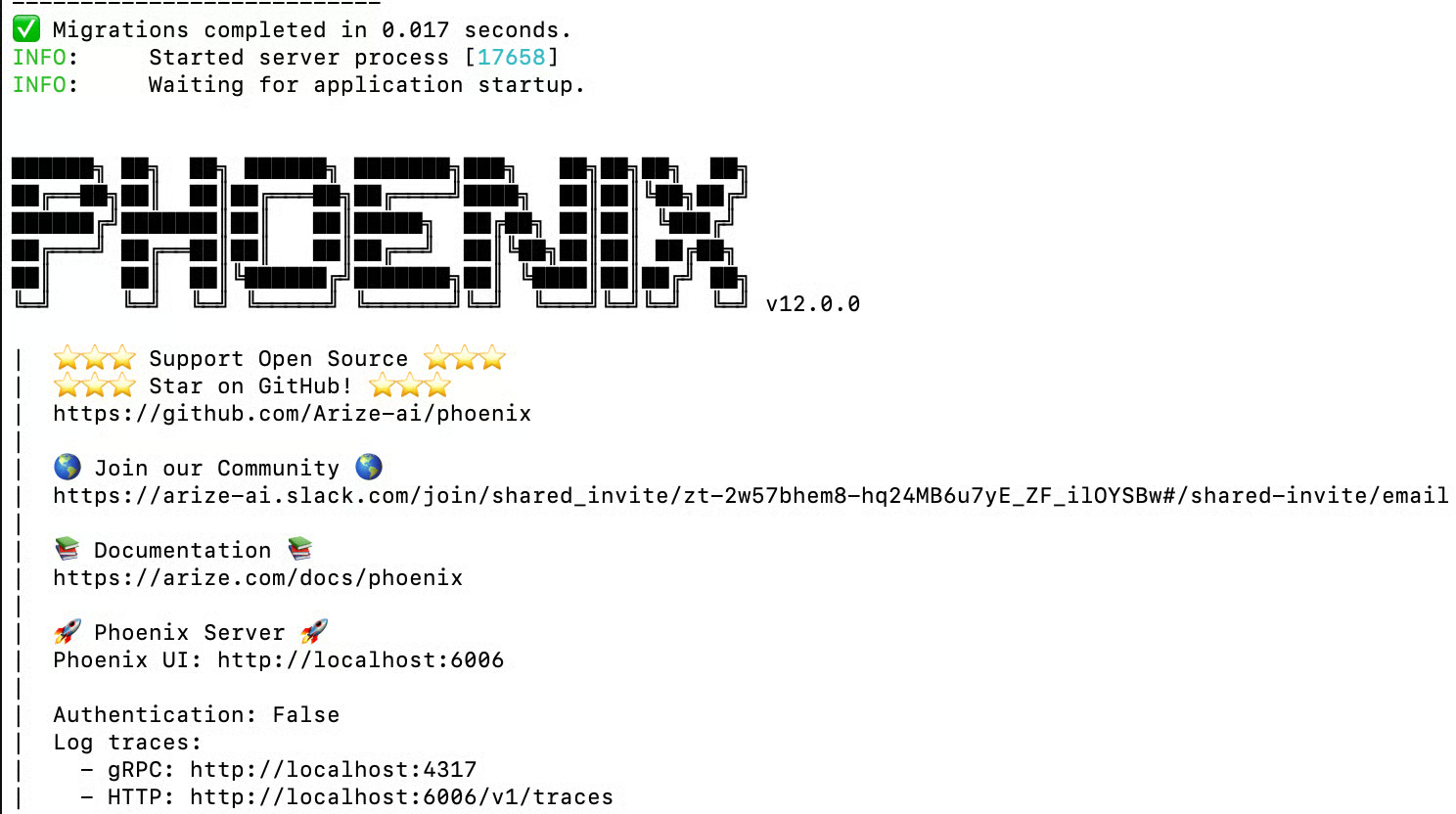
phoenix serveThis will launch Phoenix locally and make the application available in your browser. It should look something like this:3
Once Phoenix is running, you can open the UI directly from the links displayed in your terminal. By default, the Phoenix UI will be available at:http://localhost:6006This launches the Phoenix dashboard in your browser, where you can begin exploring logs, traces, and other features.Congratulations! You now have Phoenix up and running. From here, you can start sending traces, create and upload datasets, run experiments, and explore everything else Phoenix has to offer.Continue to the next guide to send your first trace and begin working with Phoenix in action.