

What is Alyx
Alyx is the AI agent built into Arize AX. Describe what you want and it does the work across your traces, datasets, experiments, and evaluators, showing you each change before applying it.Alyx creating an eval directly from your traces.
Set up
None needed. Alyx is on by default and runs on an Arize-managed model. To use your own LLM provider:- Add it under Settings → Account Settings → Integrations. See AI provider integrations.
- Pick its model in Alyx’s model selector. Only models with enough tool-use capability appear.
How to use Alyx
- Open it from the home page, or press Cmd+L (macOS) or Ctrl+L (Windows and Linux) on any page. It knows what you’re viewing, and the conversation follows you between pages.
- Point it at data by typing
@to mention a project, dataset, experiment, or span, or highlight text before pressing the shortcut. - Review its changes. It asks before creating or changing anything, unless you turn on Auto Accept in settings.
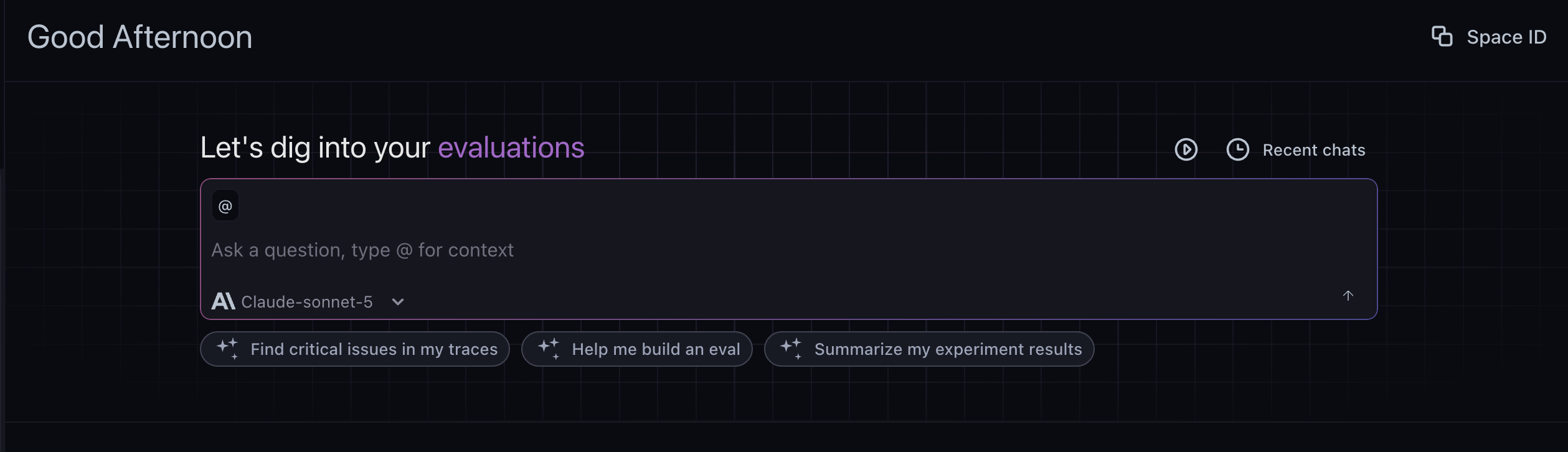
Alyx home: ask a question, use @ for context, and try suggested quickstarts
Example prompts
Learn more about Alyx
Where Alyx works, everything it can do, models, settings, and data privacy.