

Where to find Alyx
Open the Alyx chat from the Datasets or Experiments pages. Alyx has context of your datasets, experiments, and eval results.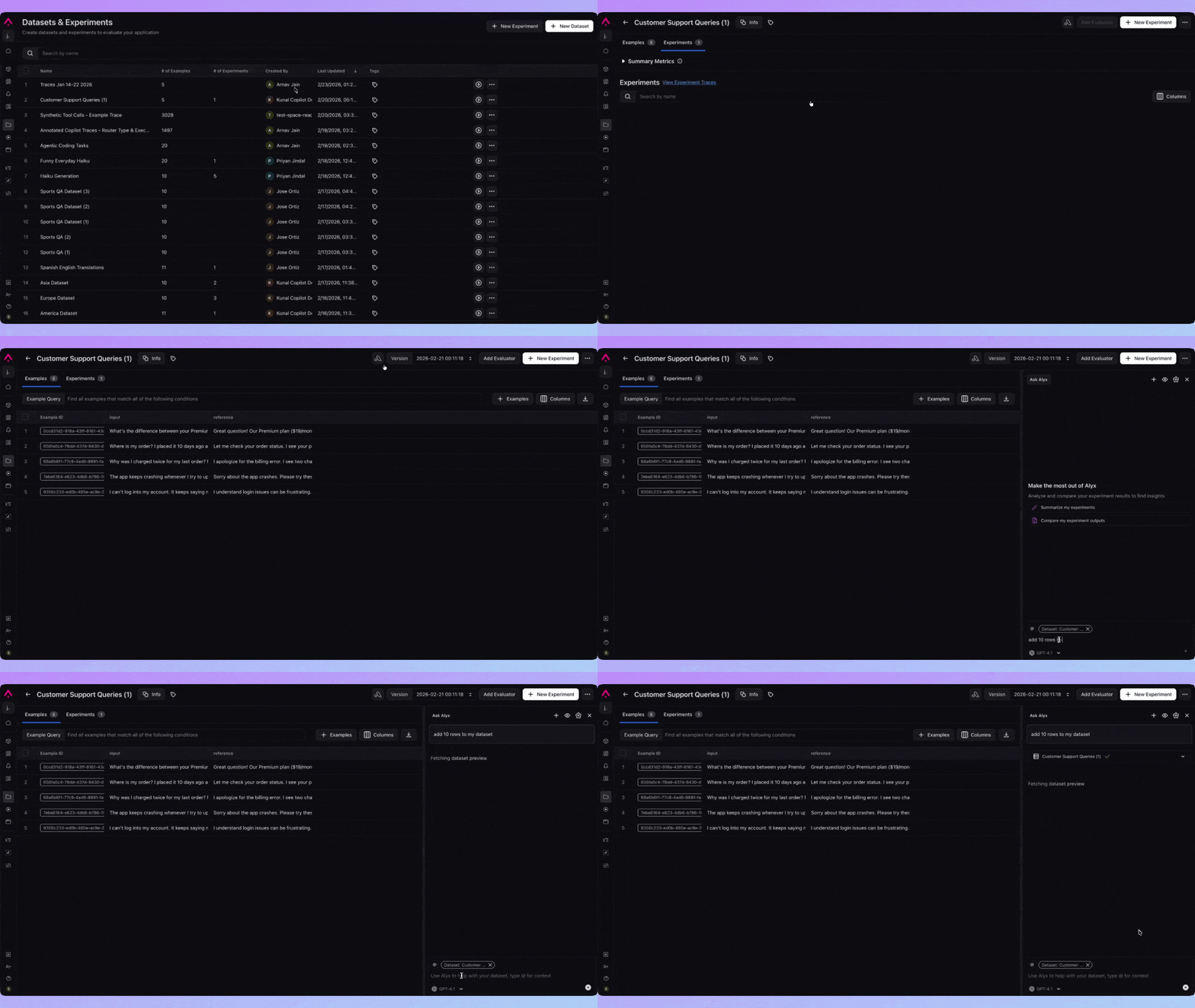
Key skills
| Skill | Description |
|---|---|
| List datasets | List available datasets |
| Dataset preview | Inspect dataset structure and sample rows |
| Create synthetic dataset | Create a new dataset with synthetic examples |
| Append synthetic data | Add synthetic examples to an existing dataset |
| Create dataset from spans | Build a dataset from trace spans |
| Append spans to dataset | Add spans from traces to an existing dataset |
| Get experiments | Fetch experiment data for analysis and comparison |
| List / choose evals | List evals attached to datasets; select or attach evals |
Example prompts
- “Analyze and compare the outputs of my last two experiments”
- “Create a synthetic dataset with 100 examples for regression testing”
- “Summarize the eval results across these experiments”
- “What’s the difference in token usage between experiment A and B?”
- “Which experiment has the best hallucination score?”