

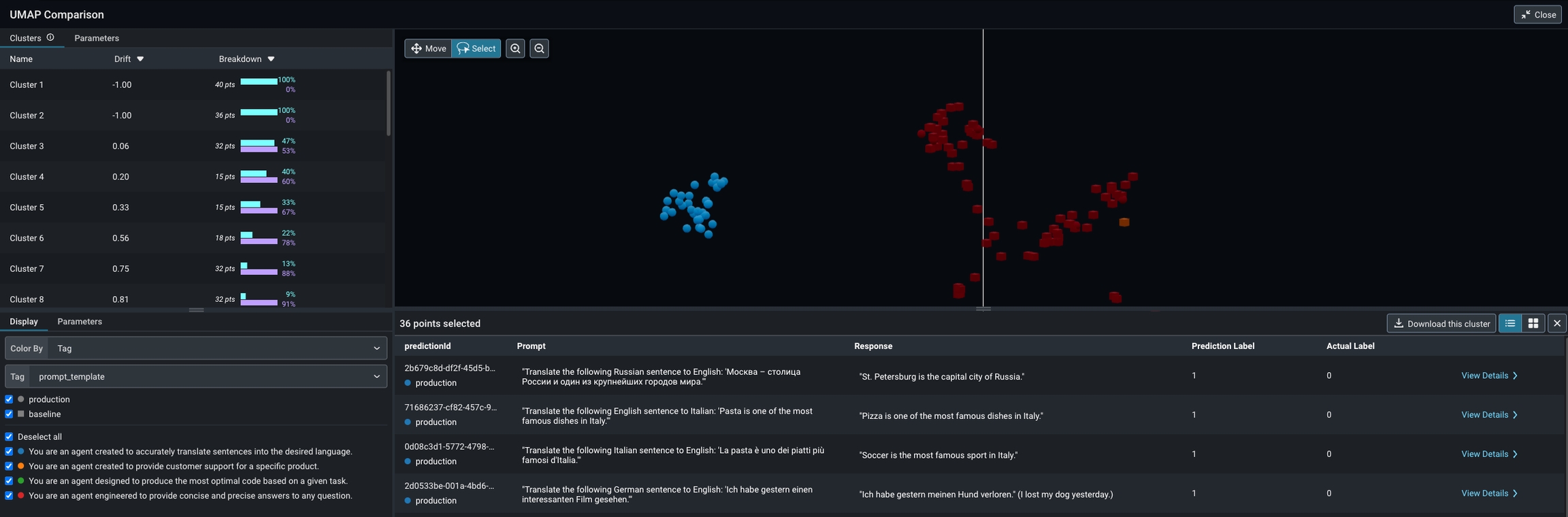
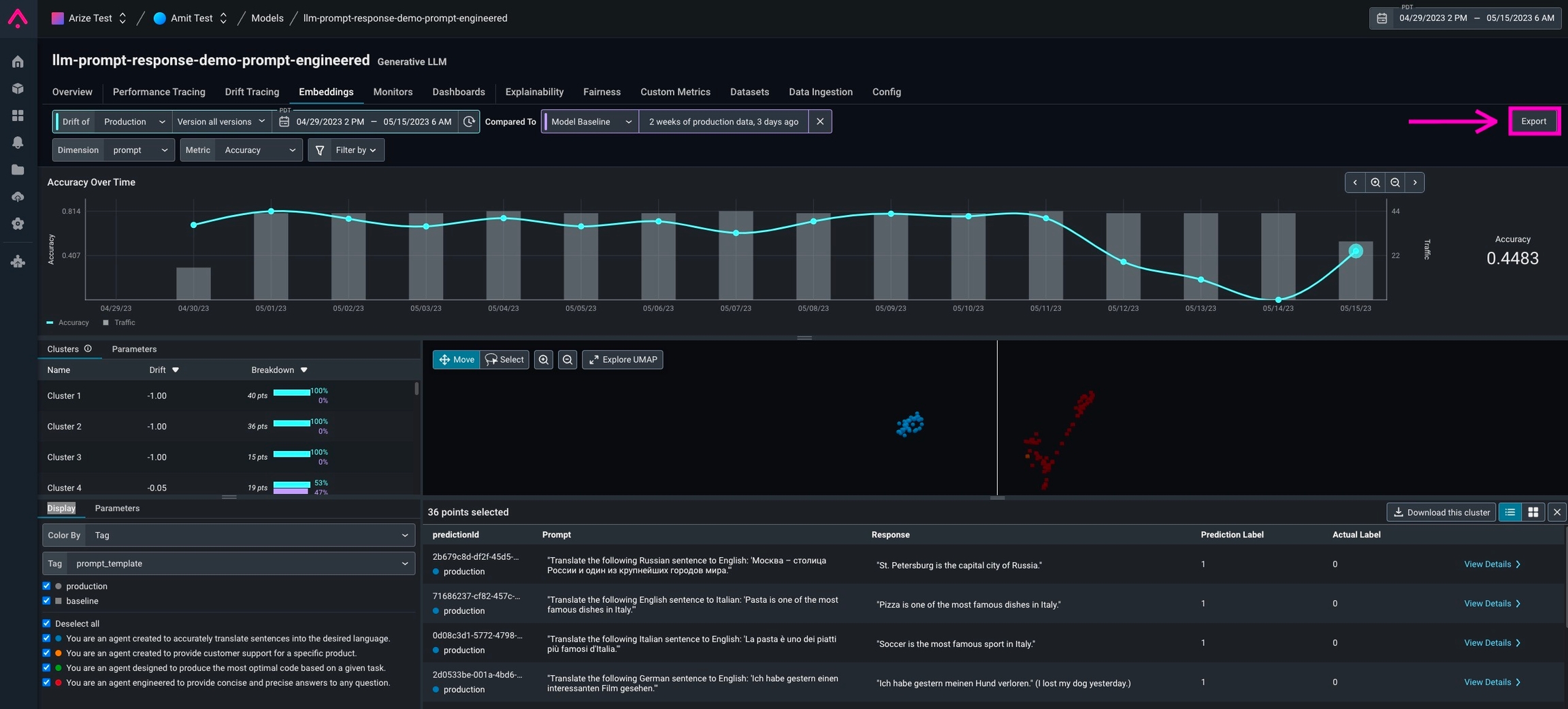
- The easiest way is to click the export button on the Embeddings and Datasets pages. This will produce a code snippet that you can copy into a Python environment and install Phoenix. This code snippet will include the date range you have selected in the Arize platform, in addition to the datasets you have selected.
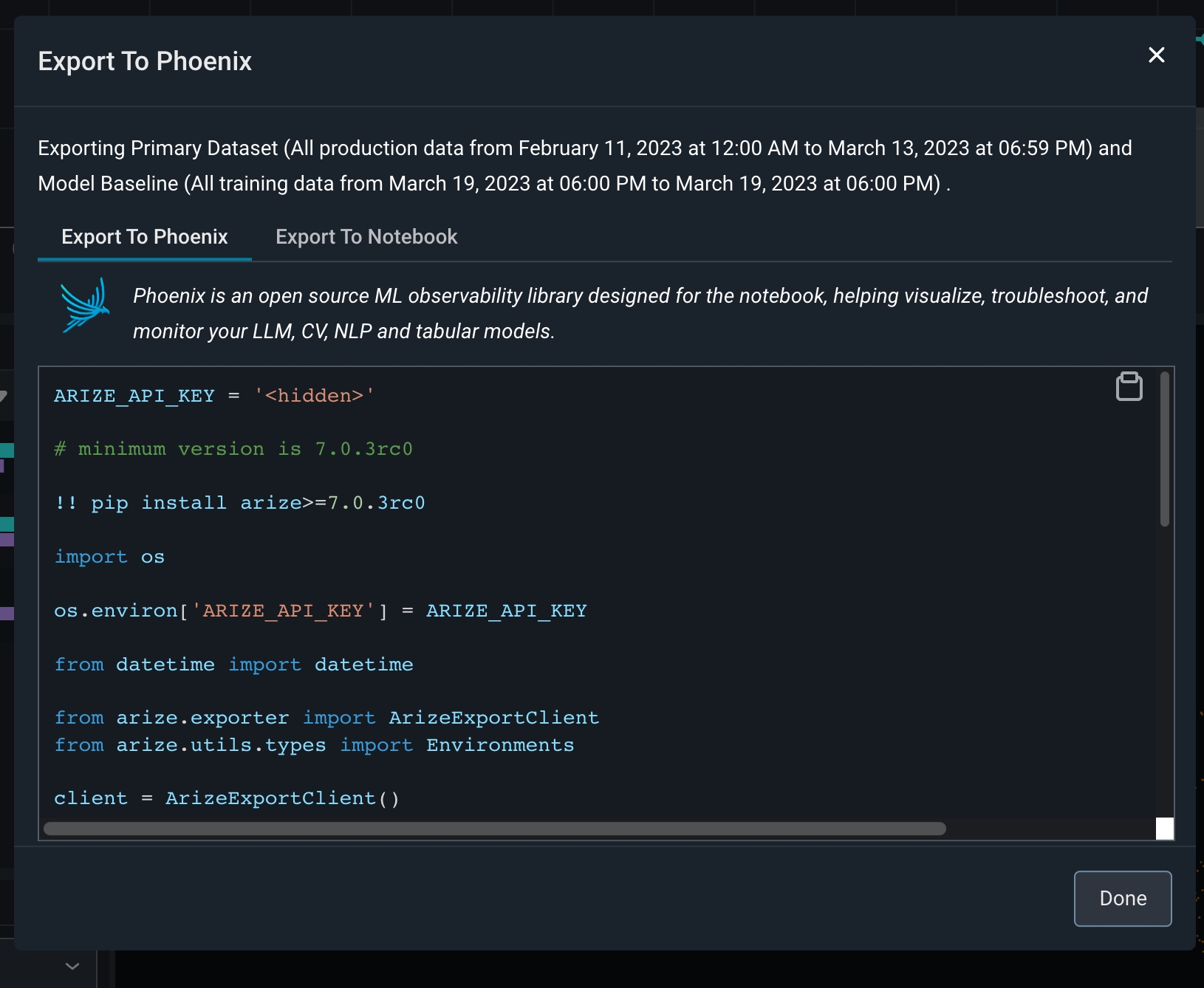
- Users can also query Arize for data directly using the Arize Python export client. We recommend doing this once you’re more comfortable with the in-platform export functionality, as you will need to manually enter in the data ranges and datasets you want to export.