

What the command does
It asks which coding agent to use, then what to trace:- An existing app
- A new starter app
- Your coding agent
OPENAI_API_KEY, to the same .env. See one command setup for details.
Other ways to instrument
Other ways to instrument
- Arize Skills: your agent loads
arize-instrumentationand wires in the right package. - Auto-instrumentation: add the OpenInference instrumentor for your provider yourself. In Tracing Projects, this is the Instrument Manually tab.
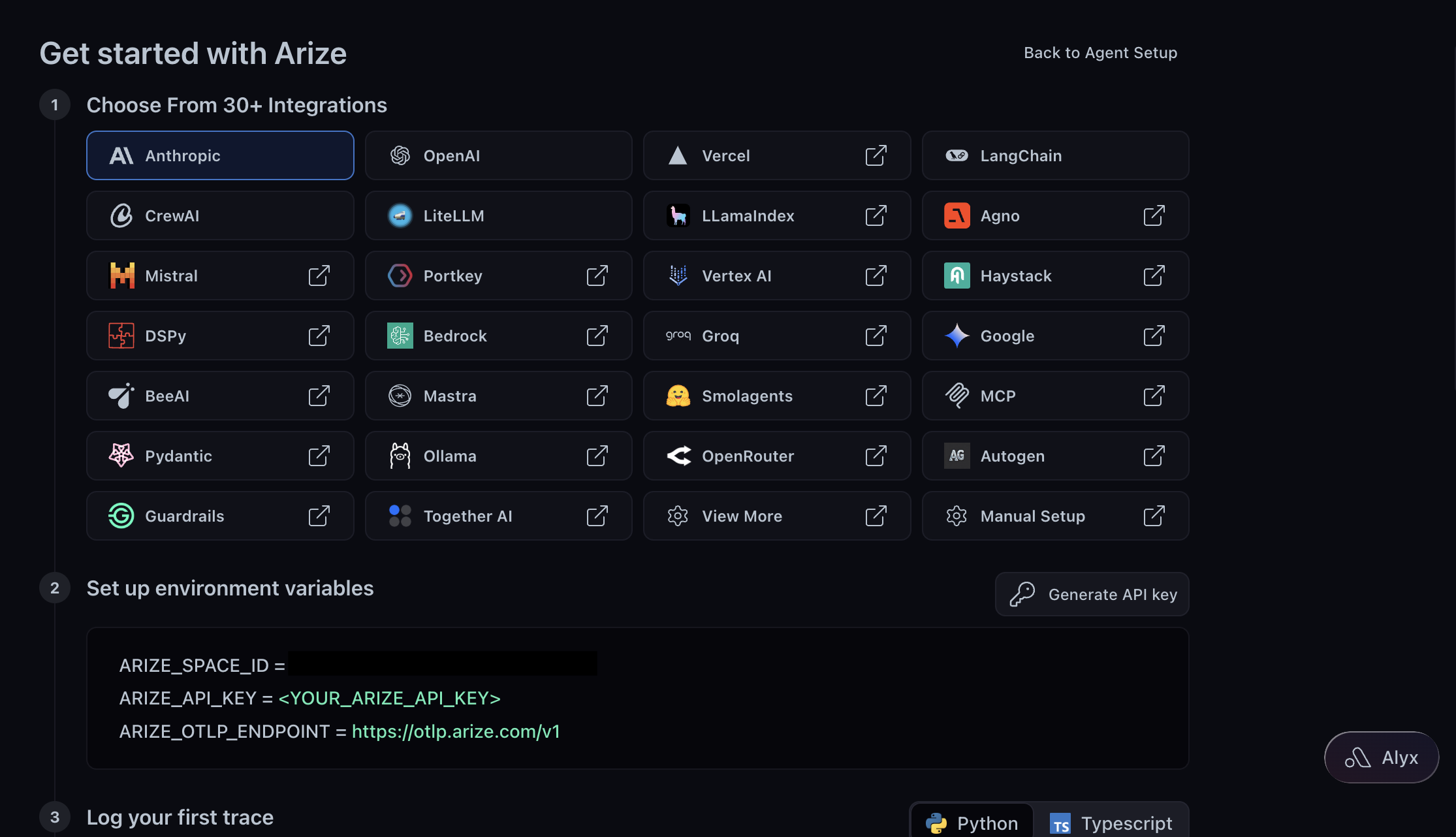
- Integrations: the package and snippet for each of 30+ frameworks. For non-US regions, see OpenTelemetry (arize-otel).
- Manual instrumentation: for frameworks Arize doesn’t auto-instrument.
No traces arriving?
No traces arriving?
Most often the LLM provider key is missing. If See your first trace in Tracing Projects still shows No traces yet after about 45 seconds, check:
- API key: look for
401orStatusCode.INTERNALin your terminal. - Space ID: a wrong ID sends traces to another space.
- Endpoint: use the HTTP or gRPC endpoint your exporter expects.
- Silent failures:
BatchSpanProcessorhides exporter errors, so swap inSimpleSpanProcessorto see them.
Read a trace
Open your project to see one trace per request.
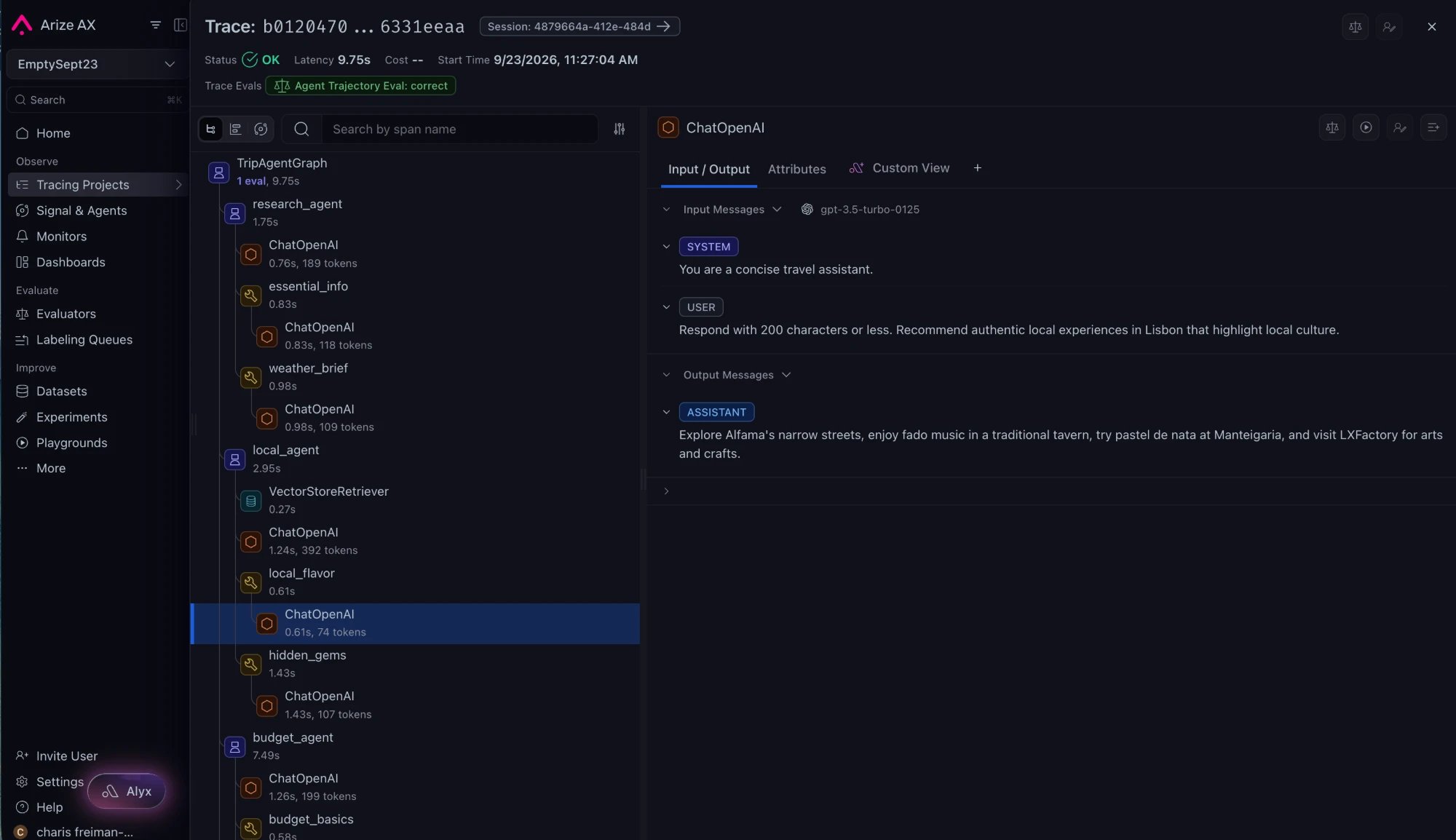
arize-trace skill.
Next, score every new trace automatically.