

Begin with human judgment
Automated evals are only as good as your understanding of what actually matters. Start by reviewing real interactions in your tracing project, identifying failure patterns, and grouping them into a taxonomy. The labels you collect become ground truth, and that process tells you which evals to build. When you are ready to automate, see create evaluators.
What is an annotation
An annotation is a human label attached to a span, dataset example, or experiment result. It can be a category (e.g. Correct / Incorrect), a numeric score (e.g. 0-1), or freeform text feedback. Annotation configs define reusable schemas for these labels, keeping evaluations consistent and comparable over time. To add your first annotation config, navigate to Annotation Configs in the left navigation and click New Annotation Config. You’ll define:- Name: a clear label for the annotation (e.g. “Correctness”)
- Type: categorical, numeric score, or freeform text
- Optimization direction: Set to maximize if a higher score is better (e.g. accuracy), or minimize if a lower score is better (e.g. error rate). This determines how scores are color-coded in the UI.
- Labels and score range: e.g. Correct (1) / Incorrect (0)

Annotate your spans
There are several ways to review and annotate your spans.- By Arize Skills
- By Alyx
- By UI
- By Code
Use the Arize skills plugin in your coding agent to manage annotation configs and apply annotations without leaving your editor. See the full arize-annotation skill documentation for supported commands. Then ask your agent: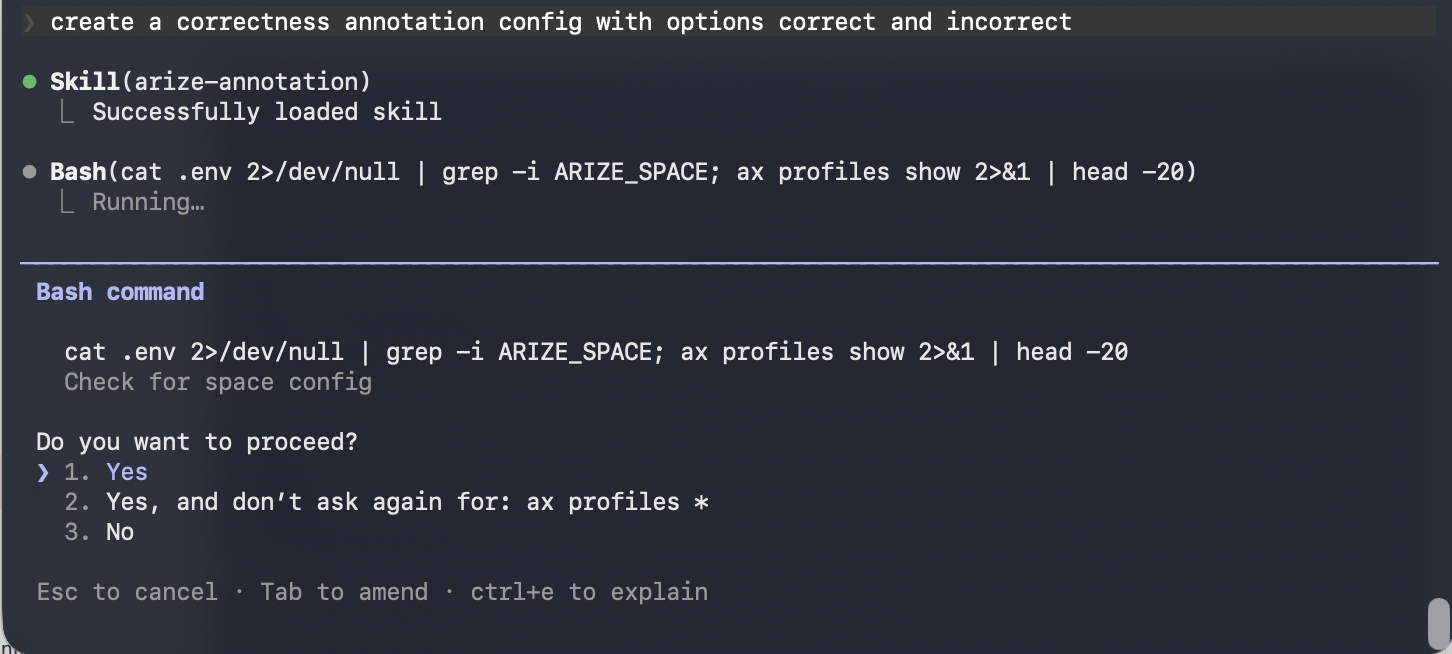
- “Create a categorical annotation config called Correctness with correct/incorrect labels”
- “List all annotation configs in my space”
- “Bulk annotate these spans with their correctness labels”

