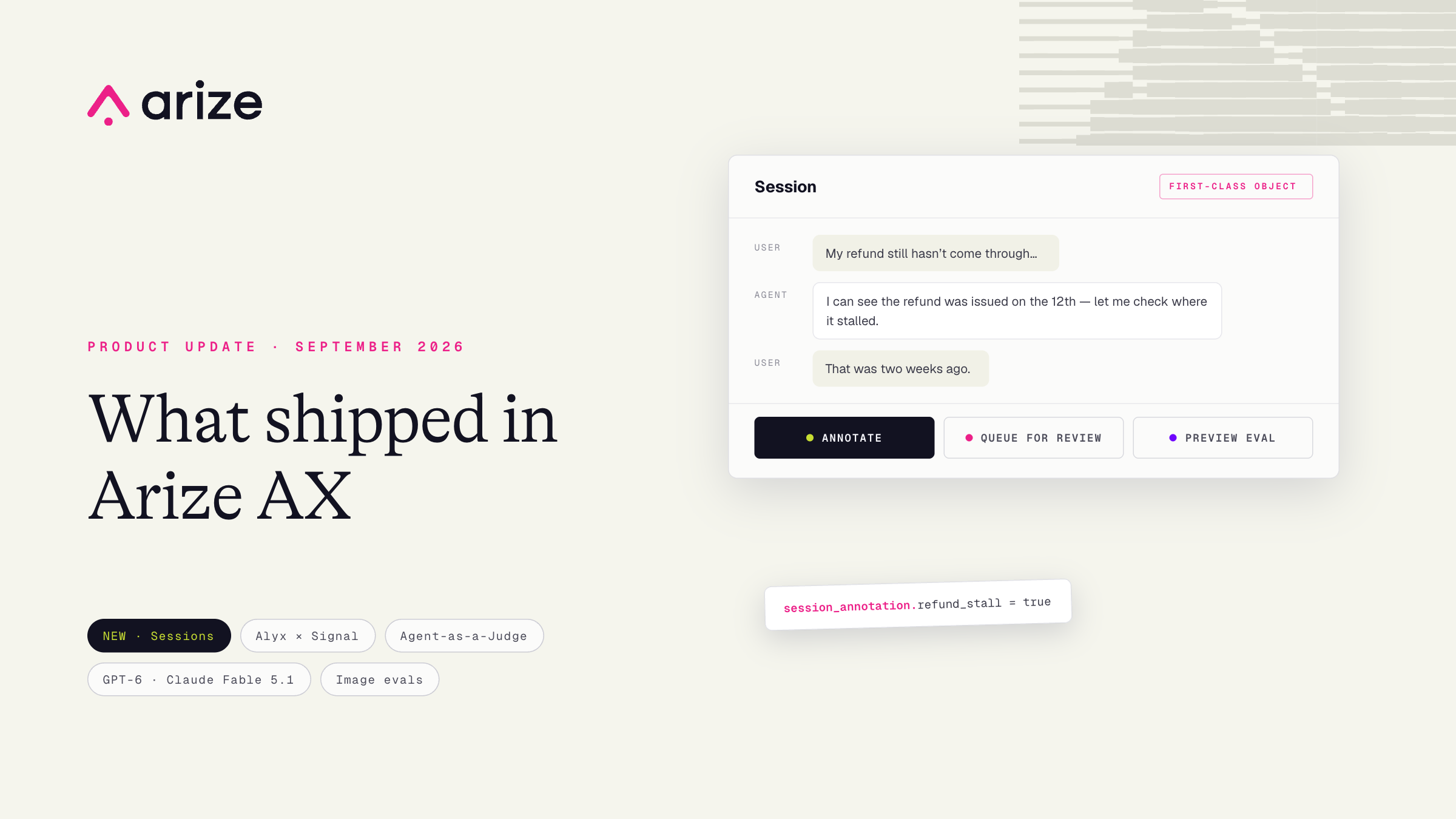
Here’s everything that landed in Arize AX between August 6 and September 18. The main point: sessions are now a first-class unit of work. You can annotate a whole conversation, queue it for review, preview it in an evaluator, and ask Alyx to filter for it in plain language. Everything else is below, and you can explore our full Changelog to see everything we’re shipping.
Oh, and since it’s Jev week: you can read about our latest thoughts around if decision models can replace LLM judges on our blog (and expect more soon).
Let’s jump in.
Work with whole sessions, not just spans
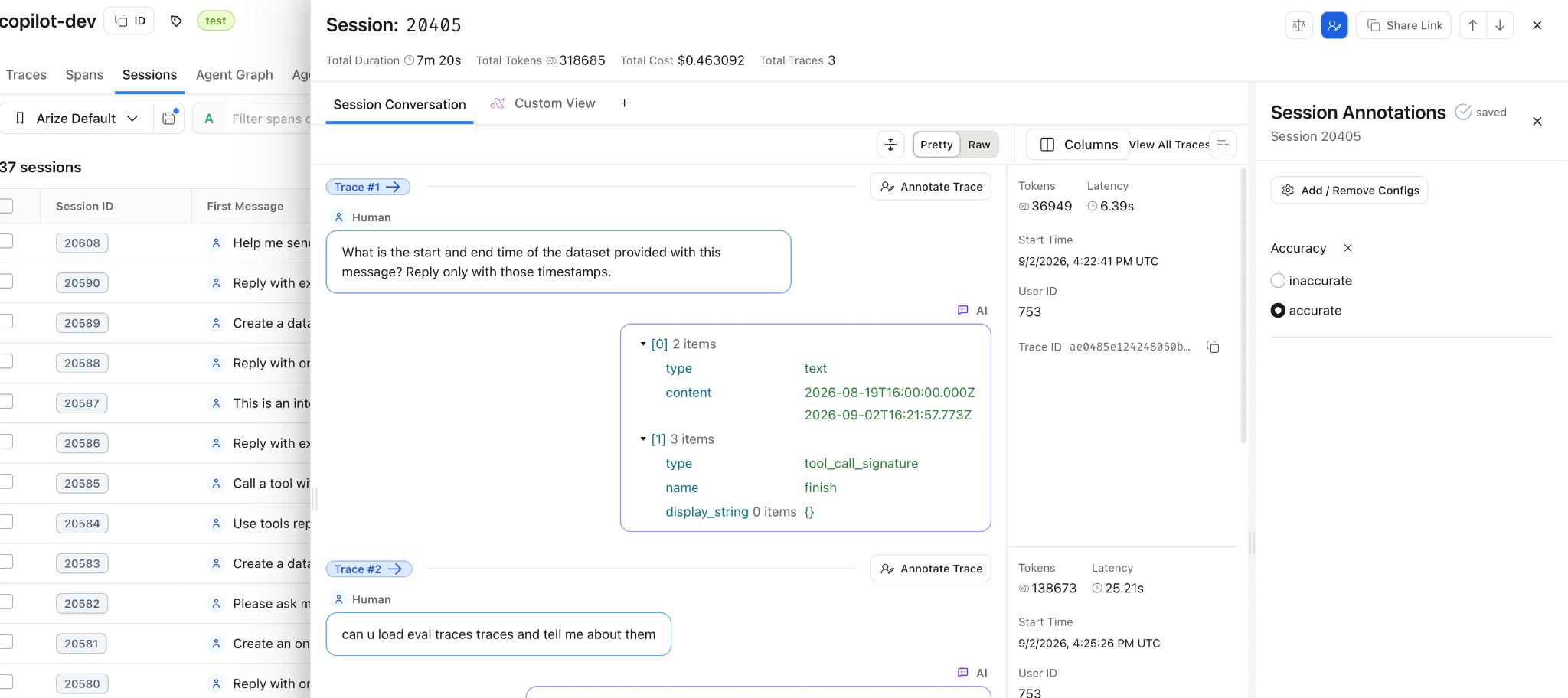
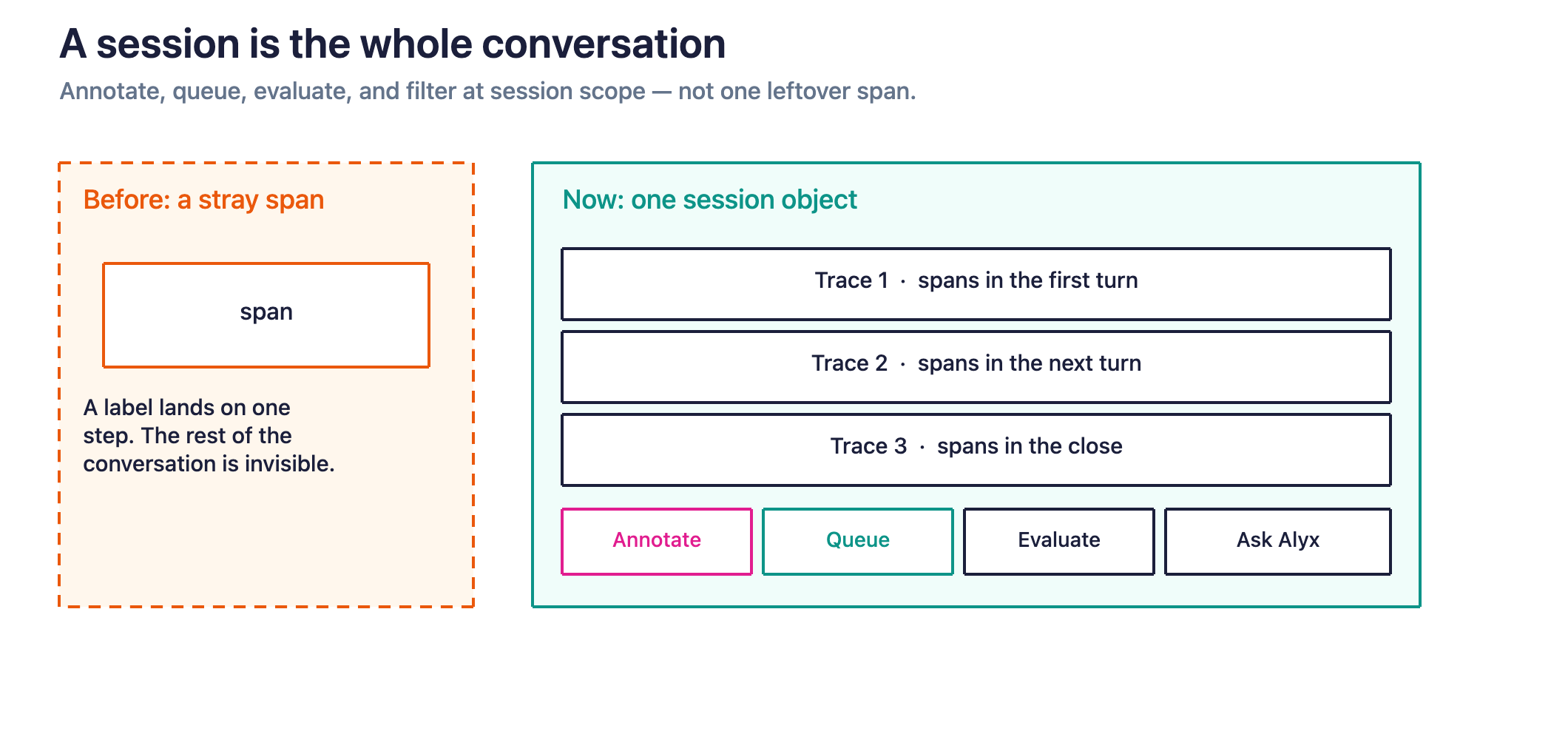
Sessions now behave like a single object you can act on. Annotate one from its detail view and the label is stored as session_annotation.<name>, ready to filter on anywhere. Send it to an annotation queue from the Sessions table or the API, and whoever picks it up reviews the whole conversation, not a stray span. Evaluator setup previews results at the session level too, and Alyx builds the filter for you from a plain-language request on the Sessions tab.
Ask Alyx what Signal found
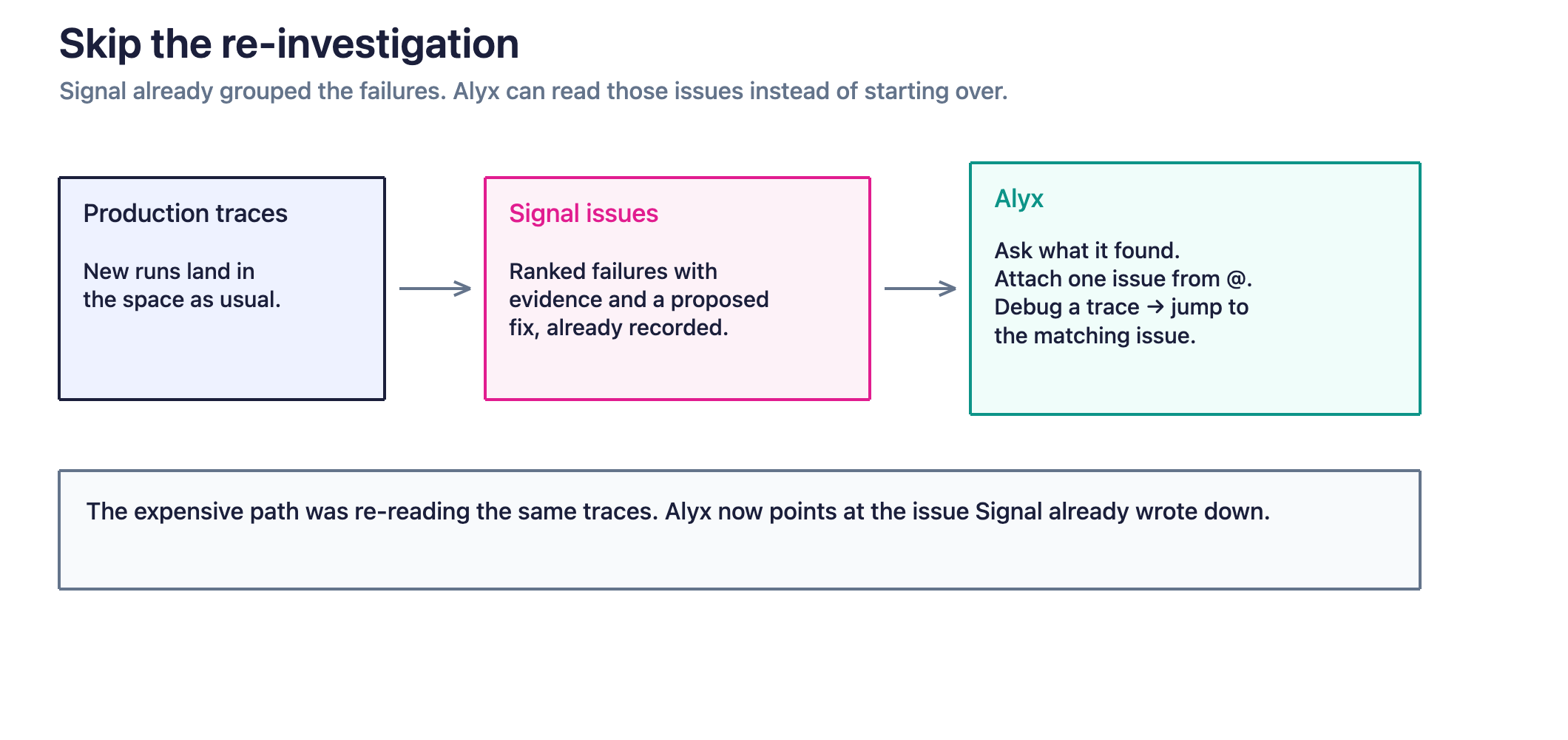
Skip the re-investigation. Alyx can now read the issues Signal has recorded for your space. You can ask what it found across a project, or attach a single issue from the @ menu for a deep dive. And when you ask Alyx to debug a trace Signal already reviewed, it links you to the matching issue instead of redoing the work.
Agent-as-a-Judge is on every plan
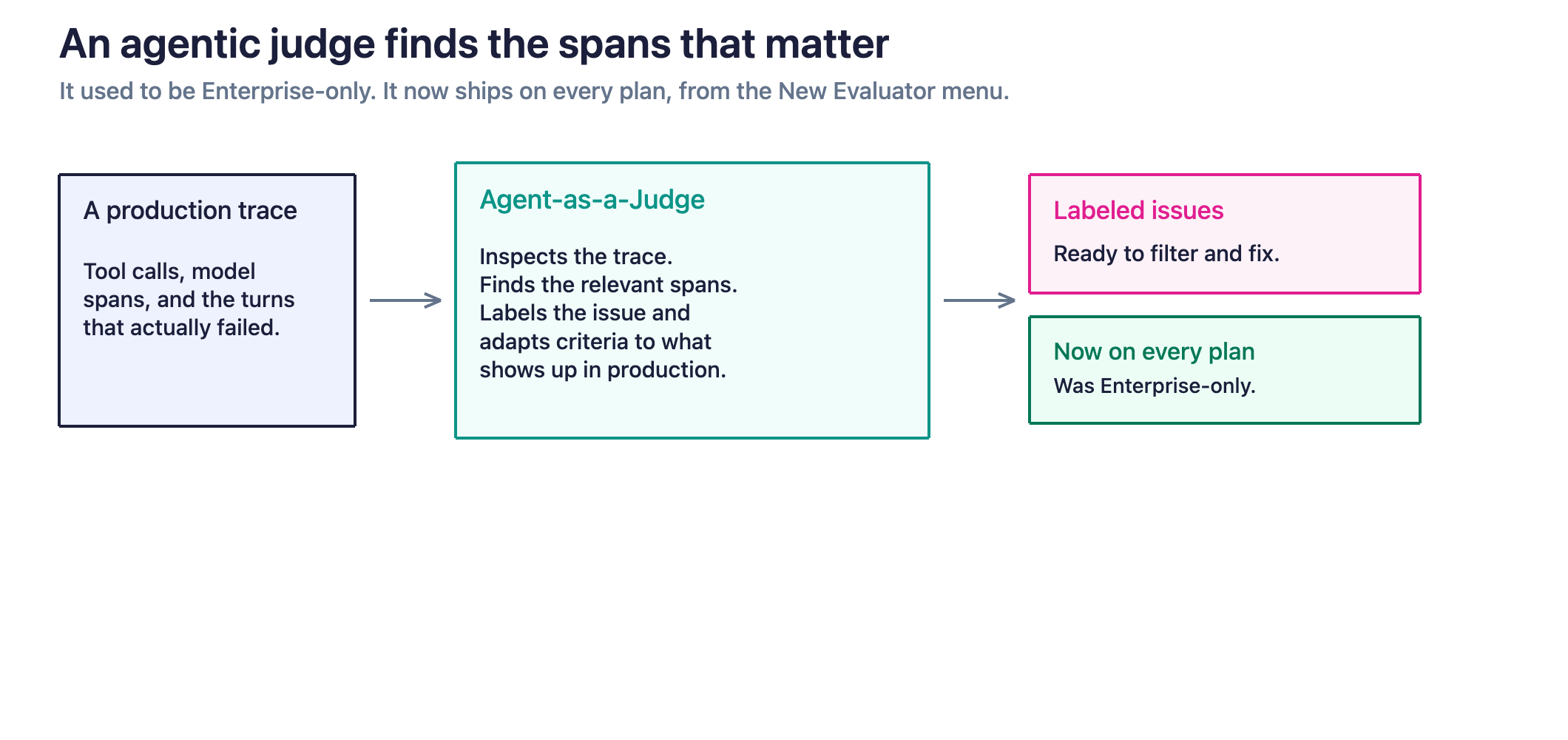
An agentic judge inspects traces, finds the relevant spans, and labels issues, adapting its criteria to the failures that show up in production. It used to be Enterprise-only; now it’s on every plan. Spin one up from the New Evaluator menu in the evaluator gallery.
Claude Fable 5.1, GPT-6, Gemini 3.7 Flash, and Mistral on Bedrock
More models to reach for in Playground and evaluators: claude-fable-5-1 (Anthropic, Bedrock, Vertex AI), OpenAI’s gpt-6-astra, and gemini-3.7-flash. Mistral models hosted on AWS Bedrock, including Mistral Large 3 and Pixtral Large, are grouped under Mistral AI in the model picker.
List a project’s traces from the Python SDK
client.traces.list() returns each trace with its full span list and roll-up metadata. Pass a project by name or ID, narrow with a time range, a filter expression, and a limit, and page with the cursor the server returns. Beta.
Images and audio render everywhere, and judges can see them
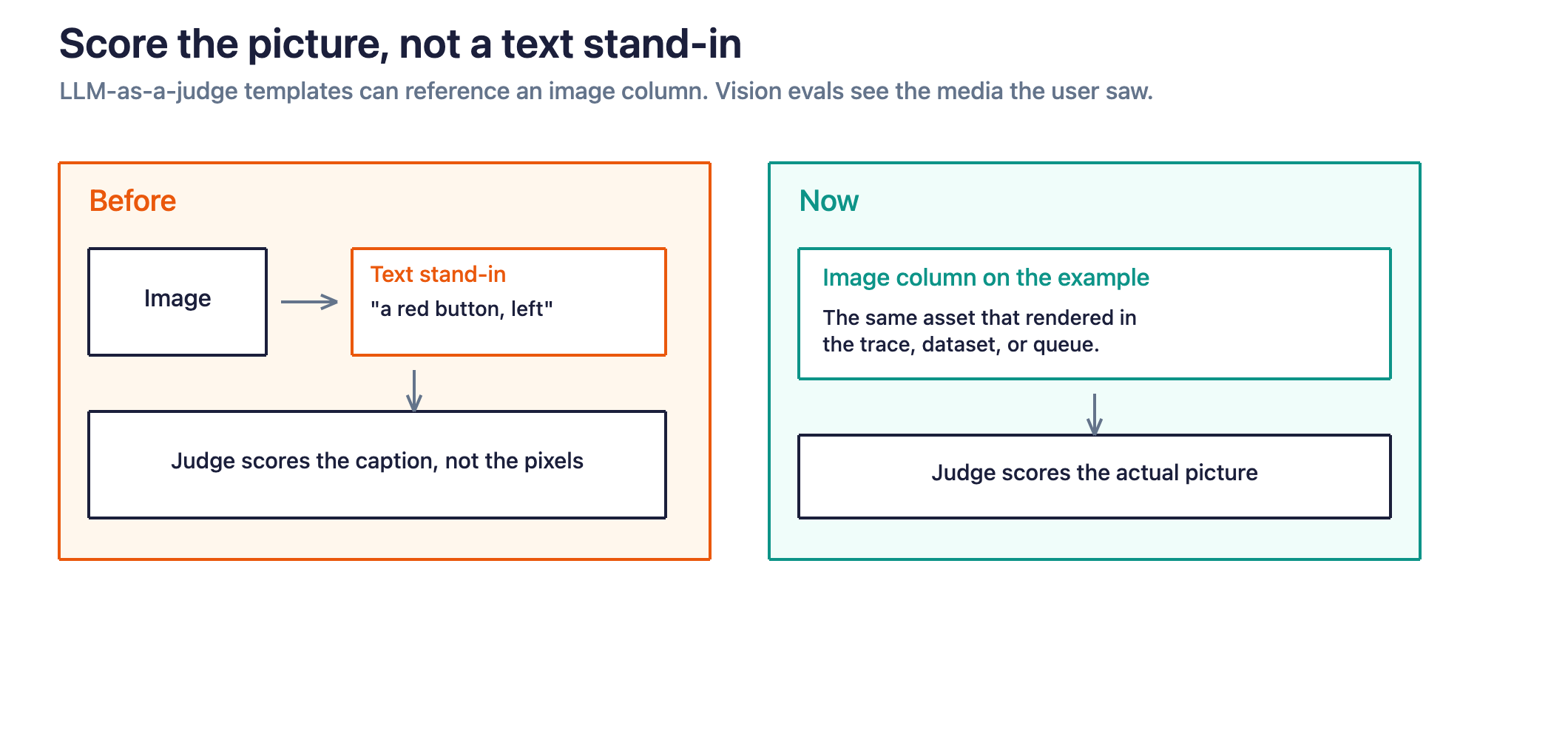
Uploaded media now resolves to viewable content in trace and span views, datasets, experiment comparisons, Playground, and annotation queues, across Google Cloud, AWS, and Azure storage. Better yet, LLM-as-a-judge templates can reference an image column, so your vision evals score the actual picture instead of a text stand-in.
Populate datasets with every matching record, faster
No more silently dropped rows. Populating a dataset from traces now writes every matching record instead of applying a sampling budget that could drop rows, and appends complete 2-7x faster. This applies on every account tier.
More this month
- Remote evaluator runs emit a trace per evaluated row when you turn on
Enable Tracing, so retries and latency are inspectable. - Edit a managed agent automation’s prompt in place; the schedule, integration, repository, and run history stay put.
- Ask Alyx for a line chart split by column value, up to 30 values, with new values picked up automatically.
- Route OTLP/HTTP traces to a project with an
x-project-nameheader, for tools that cannot set a resource attribute. - Create standalone experiments from the CLI with
ax experiments create --spaceand review runs in a dedicated table. - Pin
metric.*span attributes to the trace slideover header. - Select time ranges past your retention window; rows outside it show where accessible data ends.
- Alyx streams reasoning for GPT models in thinking mode and can run on
gpt-5.6-terra. - Detach tags from monitors, evaluators, and prompts over REST; cap REST connections with
connection_pool_maxsize. - Fixes across Alyx, dashboards, evaluators, Playground, cost tracking, and the SDKs.
Heads up
The standalone Managed Agents page is retired. Enable an AI provider for managed agents from the Managed Agents checkbox in the Integrations table, or the inline Enable action in the provider picker.

