Add your TypeSafe AI API key so Arize AX can call Jev when you run Jev-as-a-Judge evaluators. TypeSafe is eval-only: it powers System One / Jev evaluators and does not appear in the prompt playground or managed-agent model pickers. There is no base URL or model list to configure — Arize always calls jev-latest.
By adding this integration, your data may be sent to TypeSafe AI when your System One evaluators run, and your TypeSafe AI account will be billed for usage.

Add the Integration from Arize AX

Navigate to Settings → AI Providers, then select TypeSafe AI.
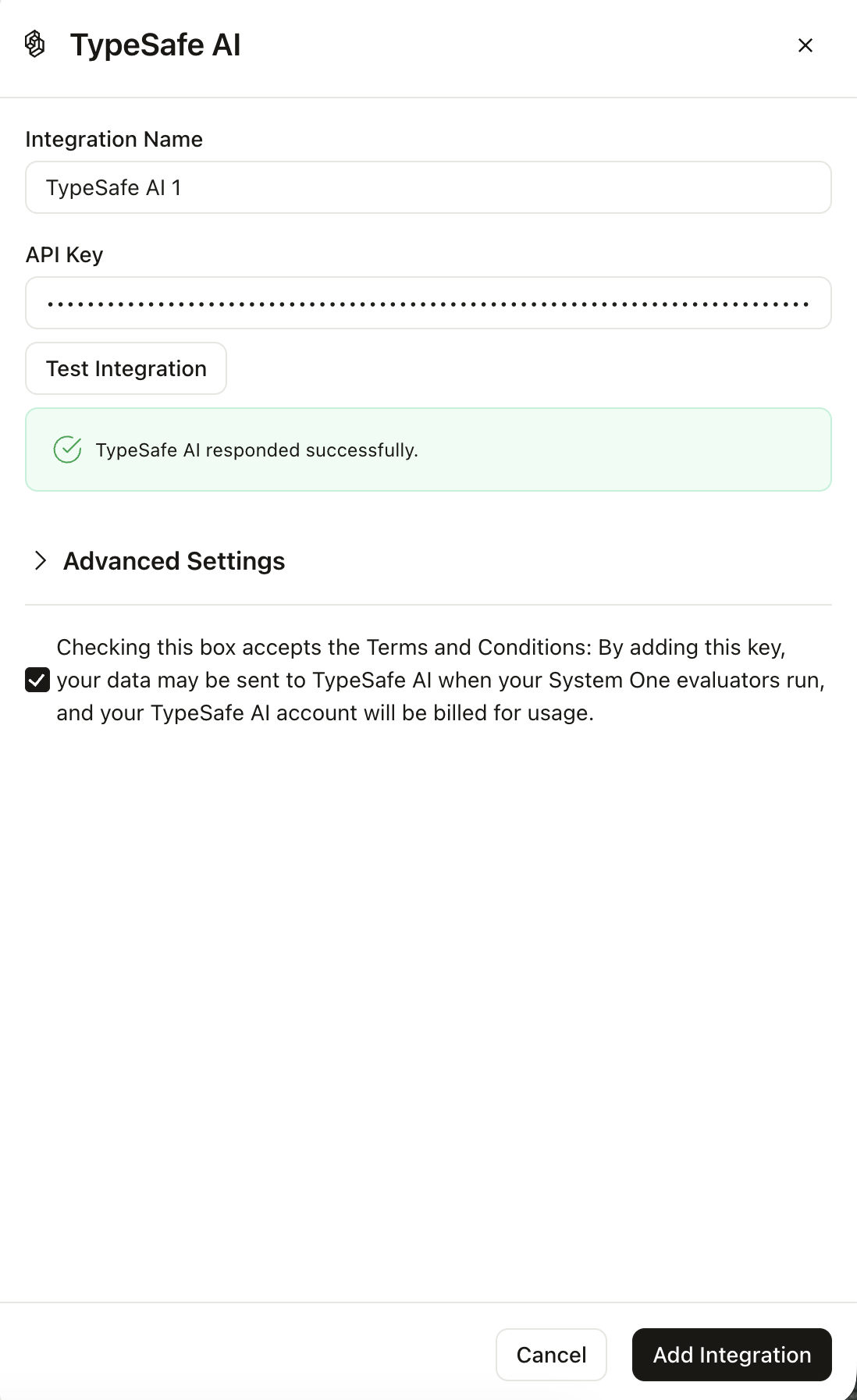
TypeSafe AI integration slideover with name, API key, successful Test Integration result, and terms checkbox

The TypeSafe AI integration configuration pane

  1. Give the integration a name and paste your TypeSafe API key.
  2. Accept the terms checkbox.
  3. Optionally click Test Integration (billable). A successful test shows TypeSafe AI responded successfully.
  4. Save the integration.
Creating AI Providers requires Organization Admin or Account Admin access. After saving, create a Jev-as-a-Judge evaluator and select this integration.