What types of BigQuery tables are supported?
Arize can ingest data from BigQuery views or native tables. Use cloud storage to ingest external tables.How do I use change_timestamp?
The change_timestamp field is used for Arize to track which new rows need to be imported as we constantly sync new data. This column type may be the following types: TIMESTAMP, DATE, or DATETIME. Unless your table is small, it is important for performance and cost to ensure this column is also partitioned, so we don’t need to re-scan data. For best performance, values in the change_timestamp field should also be unique.
| prediction_id | change_timestamp | predicted_label | feature_a |
|---|---|---|---|
| 1 | 2023-01-27 17:57:59.932798 UTC | Spam | 13 |
| 2 | 2023-02-15 12:01:00.134899 UTC | Not Spam | 15 |
| 3 | 2023-02-15 12:15:00.134899 UTC | Spam | 3 |
When adding new data, Arize will only ingest data “newer” (based on
change_timestamp column) than what’s currently ingested.Can I update or delete rows?
Deleted or updated data in your data warehouse will not be reflected by Arize. Only new records added to your data warehouse table will be ingested.How do I update/fix a row that failed to ingest?
If your query failed due to an issue with a specific row or set of rows, fix the error and append the data to your table again using an updatedchange_timestamp.
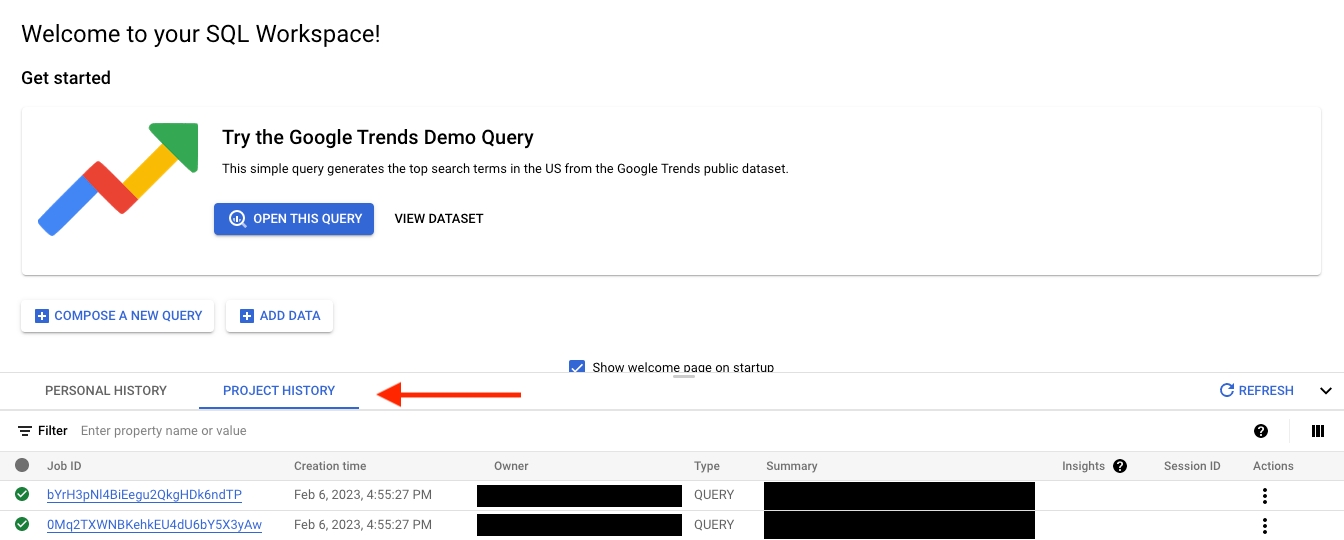
How do I debug my failed BigQuery table query?
Any queries that fail to run for a given table import job will be displayed within the job’s details.
- BigQuery CLI
- BigQuery UI