

/v2/ai-integrations REST API only when a request filters by provider.
Arize supports these two Clef models:
clef(default)clef-flash
By adding this integration, your data may be sent to Cloudflare when your Decision Judge evaluators run, and your Cloudflare account will be billed for usage.
Add the Integration from Arize AX
Navigate to Settings → AI Providers, then select Cloudflare.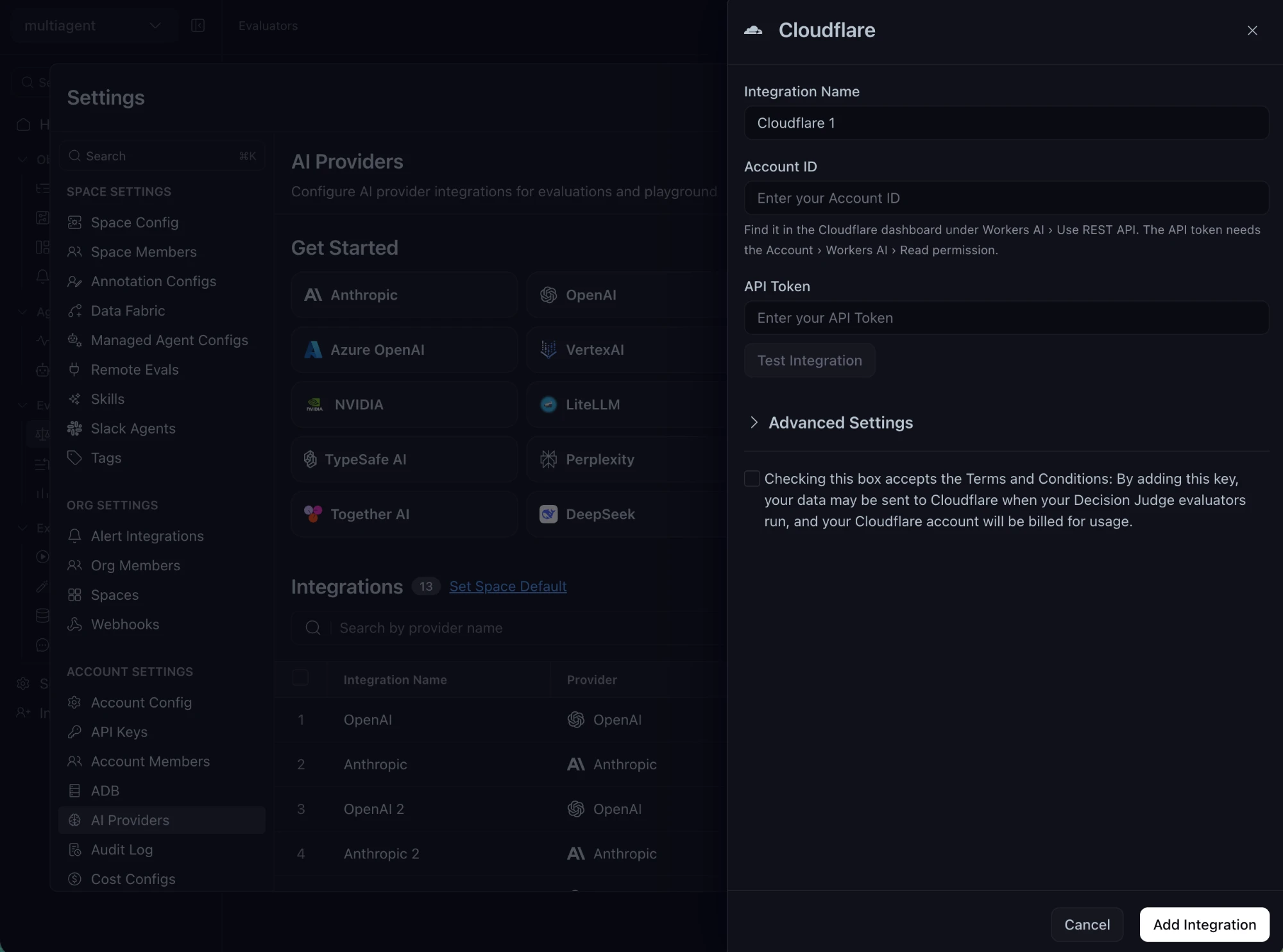
The Cloudflare integration form
- Give the integration a name, then enter your 32-character Account ID and your Cloudflare API token. You can find the Account ID under Workers AI › Use REST API in the Cloudflare dashboard. The token needs the Account › Workers AI › Read permission.
- Accept the terms checkbox.
- Optionally click Test Integration. The test uses
clef-flash. - Save the integration.