

pplx-decider-v1.1-27b when you run Decision Judge evaluators.
Perplexity is a restricted-use, eval-only provider: it powers Decision Judge evaluators and does not appear in the prompt playground or Alyx model pickers. It appears in the /v2/ai-integrations REST API only when a request filters by provider. The integration has no base URL setting. Arize always sends requests to the Perplexity Decisions endpoint.
By adding this integration, your data may be sent to Perplexity when your Decision Judge evaluators run, and your Perplexity account will be billed for usage.
Add the Integration from Arize AX
Navigate to Settings → AI Providers, then select Perplexity.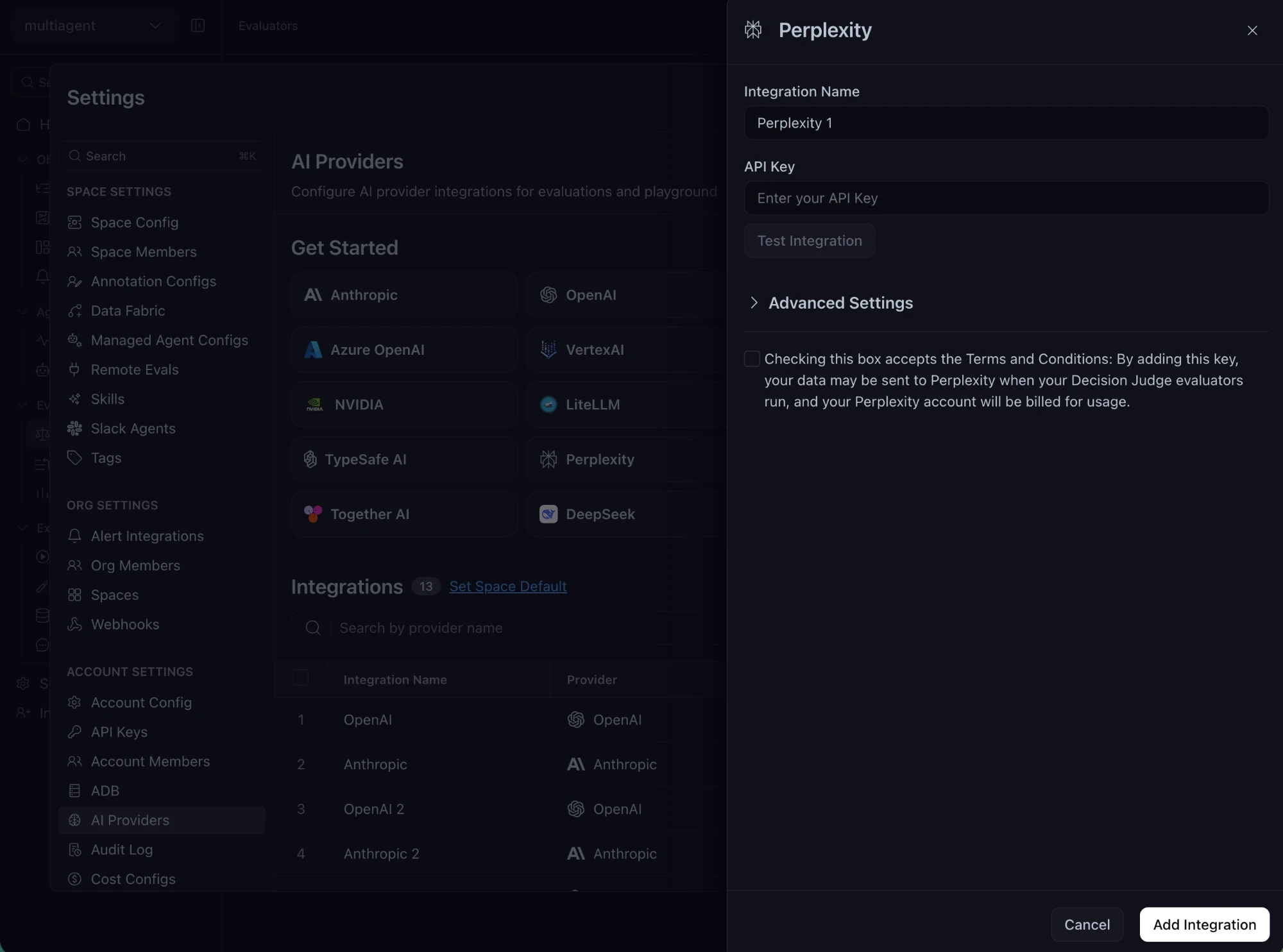
The Perplexity integration form
- Give the integration a name and paste your Perplexity API key.
- Accept the terms checkbox.
- Optionally click Test Integration.
- Save the integration.