


Notebook Walkthrough
We will go through key code snippets on this page. To follow the full tutorial, check out the notebook.Building a custom evaluator
Generate Image Classification Traces
In this tutorial, we’ll ask an LLM to generate expense reports from receipt images provided as public URLs. Running the cells below will generate traces, which you can explore directly in Arize AX for annotation. We’ll usegpt-5.4-mini, which supports image inputs.
Dataset Information: Jakob (2024). Receipt or Invoice Dataset. Roboflow Universe. CC BY 4.0. Available at: Roboflow Universe (accessed on 2025‑07‑29)
Create Benchmark Dataset
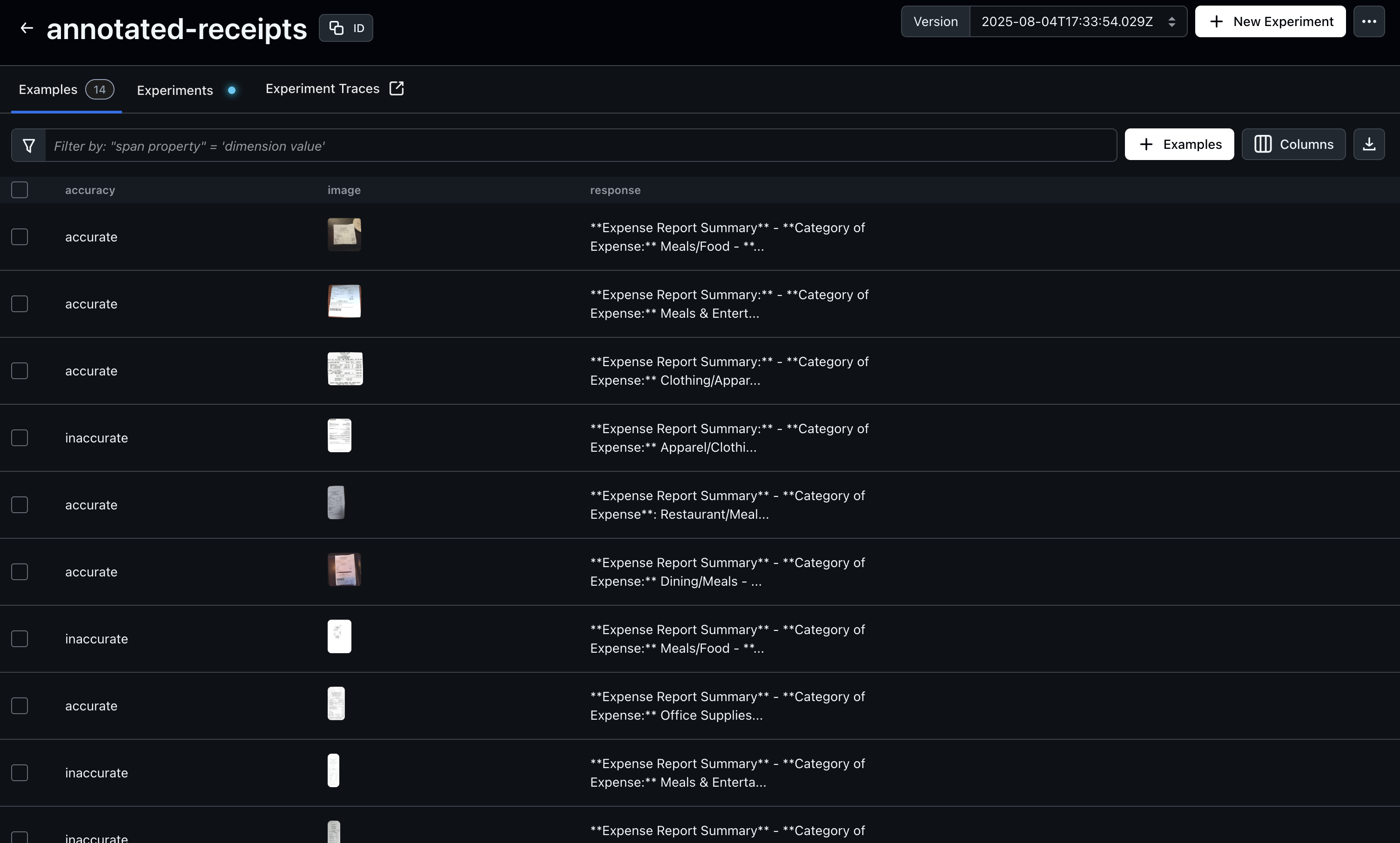
After generating traces, open Arize AX to begin annotating your dataset. In this example, we’ll annotate based on “accuracy”, but you can choose any evaluation criterion that fits your use case. Just be sure to update the query below to match the annotation key you’re using—this ensures the annotated examples are included in your benchmark dataset.image, response, and accuracy columns become fields the task and evaluator read by name:
Build the custom judge & run an experiment
The judge is an LLM-as-a-Judge that reads the receipt image and the model’s expense report, and classifies the report asaccurate, almost accurate, or inaccurate — the same labels the human annotator used. make_judge(prompt) binds one judge prompt into an experiment task; the experiment’s evaluator (matches_annotation) then checks whether the judge’s label matches the human annotation, so the experiment score is the judge’s agreement rate with ground truth.

Iterate on the judge prompt
Next, we’ll refine the judge prompt by adding more specific classification rules, based on gaps we saw in the previous iteration. We keep the dataset and evaluator constant and change only the prompt, then rerun — so the change in agreement is attributable to the prompt:JUDGE_PROMPT_V3) that spells out what makes a category too vague — the same make_judge / matches_annotation harness, one more prompt.
Results
Each experiment reports the share of examples where the judge’s label matched the human annotation — that agreement rate is how you know whether to trust the judge. Compare the runs in the Experiments tab of your dataset and watch the agreement climb as the prompt is refined. Once your evaluator reaches a performance level you’re satisfied with, it’s ready for use. The target score will depend on your benchmark dataset and specific use case. You can continue applying the techniques from this tutorial to refine and iterate until the evaluator meets your desired level of quality.